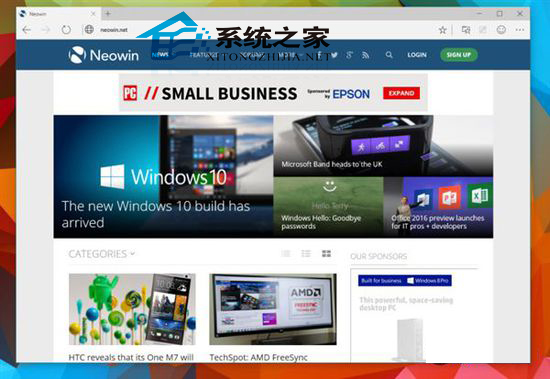
Edge (舊稱 Spartan) 預設搜尋引擎為 Bing。若偏好 Google,可透過匯入註冊表檔案修改 (早期版本無圖形介面設定)。
Google.reg
恢復 Bing: 下載 Default.reg 雙擊匯入 → 重啟 Edge。
Default.reg
注意: 國內使用 Google 需科學上網。正式版 Edge 在「設定」→「隱私權、搜尋與服務」→「位址列與搜尋」→「搜尋引擎」提供圖形介面切換 (Google、DuckDuckGo、Bing 等),無需修改登錄。
macOS 手動新增 Windows 共用印表機完整教學
Win10 內建 Windows Defender 使用教學:快速掃描與即時防護
Win10 Build 9860 介面文字缺失/顯示不全?安裝 KB3008956 更新修復字型回退機制
Windows 10 開啟「郵件」應用的兩種快速方式
Win10 開啟 App 提示「無法使用內建管理員帳戶開啟」?啟用管理員核准模式
Win10 10576 disksnapshot.exe 彈出黑框解決法:同 1324,停用 DiskFootprint Diagnostics 任務
Win10 安裝 iTunes 失敗?對應系統位元版本下載、保留預設安裝路徑、同意授權條款完整流程
Win10 創意者更新後檔案總管不顯示文字?兩種修復方案