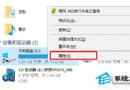
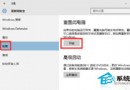
Win10 10056+ 版本圖形介面設定固定 IP 可能受限,可使用 netsh 指令精確設定 IP、子網路遮罩、閘道、DNS。
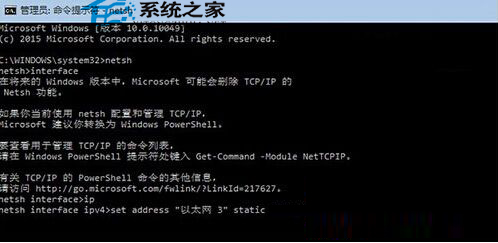
netsh interface ip set address "介面名稱" static IP位址 子網路遮罩 閘道 1
ncpa.cpl) 中顯示名稱完全一致 (如「乙太網路」、「乙太網路 3」),支援中文,雙引號必須為英文半形。1 代表確認執行。netsh interface ip set address "乙太網路 3" static 192.168.1.108 255.255.255.0 192.168.0.1 1
netsh interface ip set address "乙太網路 3" static 192.168.1.108 255.255.255.0 192.168.0.1 1
netsh interface ip set dns "乙太網路 3" static 8.8.8.8
netsh interface ip set address "介面名稱" dhcp
netsh interface ip set dns "介面名稱" dhcp
初學者建議: 指令參數嚴格易錯,一般用戶優先使用圖形介面 (「網路連線」→ 介面右鍵「內容」→ IPv4 內容) 設定固定 IP,較直觀不易出錯。