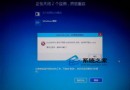
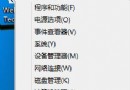
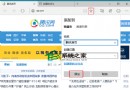
更新失敗重開機後報錯 0xC1900101-0x20017,如何處理?
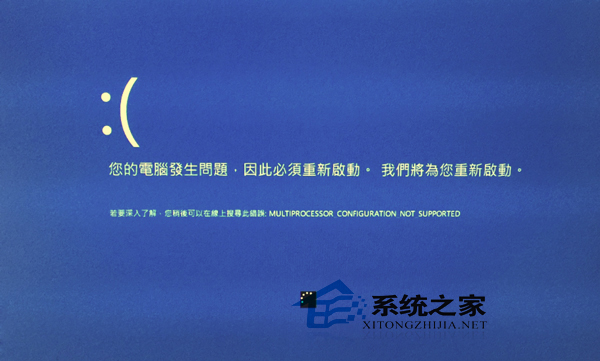
圖 1
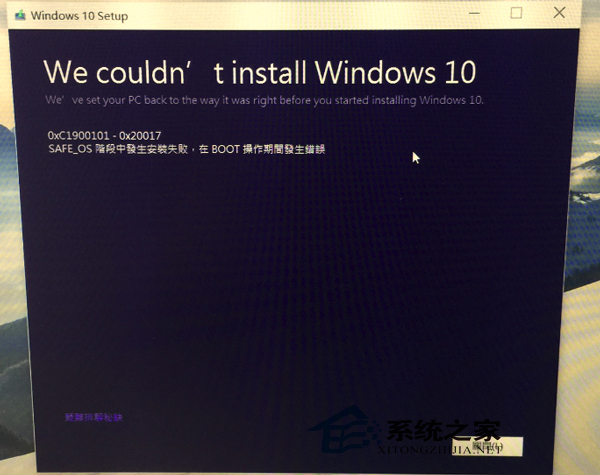
圖 2
regedit 開啟登錄編輯器(需 UAC 授權)。HKEY_LOCAL_MACHINE\SOFTWARE\Microsoft\WindowsSelfHost\ApplicabilityBranchName → fbl_impressiveThresholdRiskLevel → lowRing → WIFThresholdOptedin (DWORD) → 00000001net stop wuauservnet stop bitsnet start bitsnet start wuauserv完成上述步驟即可嘗試再次更新。若有更簡便方法歡迎分享。