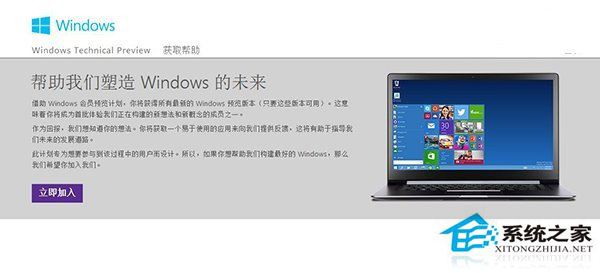
Windows Insider 計畫讓使用者提前下載測試 Win10 預覽版,並直接向微軟回饋問題。加入流程僅需 Microsoft 帳號與幾次點擊。
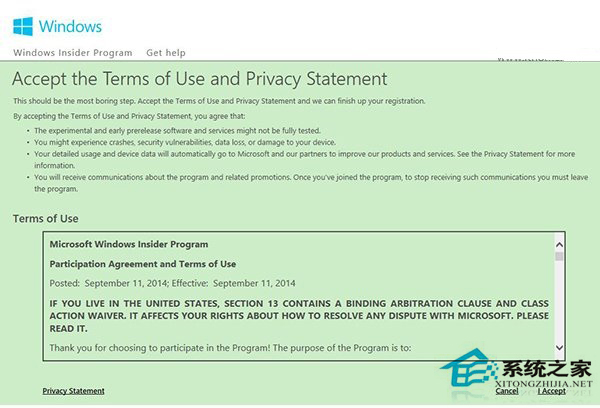
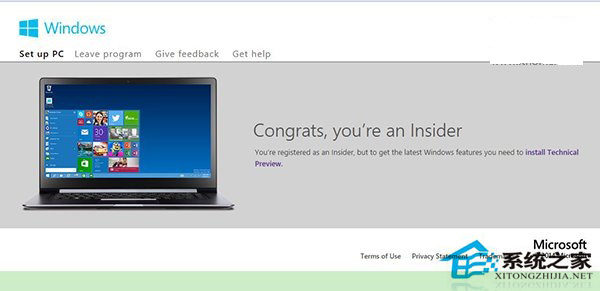
預覽版可能導致資料遺失、應用程式不相容、系統不穩定。請勿安裝於生產環境主力機,建議使用次要裝置或虛擬機測試,並保持完整備份習慣。
加入 Insider 不僅能搶先體驗,更能透過「意見回饋中樞」直接影響 Windows 未來發展。
Windows 10 讓 QQ 圖示回到工作列通知區域顯示教學
Win10 更新失敗進入無限重開機?USB 修復環境搭配命令提示字元修復
Win10 內建放大鏡功能啟用與操作教學,方便視力不佳者使用
Win10 更新卡住、失敗怎麼辦?重置 SoftwareDistribution 資料夾清除更新快取修復
Win10 緊急重新開機功能怎麼用?Ctrl+Alt+Del + Ctrl+電源鍵避免強制關機傷硬體
Win 10 啟用桌面預覽 (Peek) 功能:工作列屬性勾選「使用速覽預覽桌面」