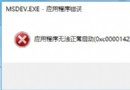
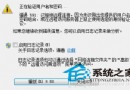
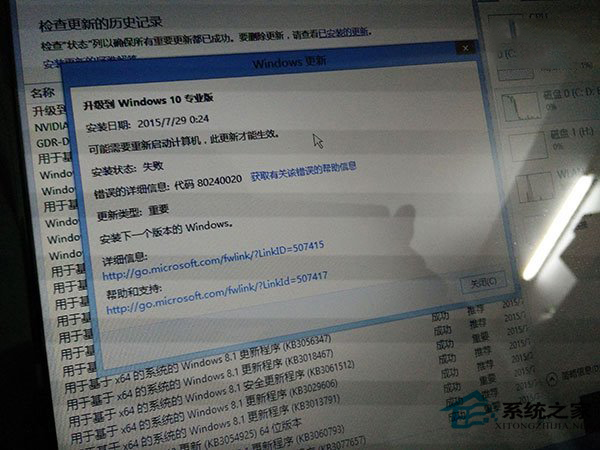
預約 Win10 使用者升級時常遇 80240020 錯誤。原因:正常升級需使用者確認互動,微軟稱此為史上最大軟體升級,欲提供更好體驗,尚未為所有裝置準備好升級,建議未收到通知者再等待。但許多使用者用指令強制升級未經確認導致此錯誤。解決方法:修改登錄檔。
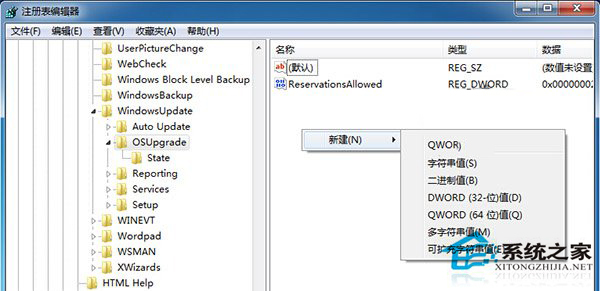
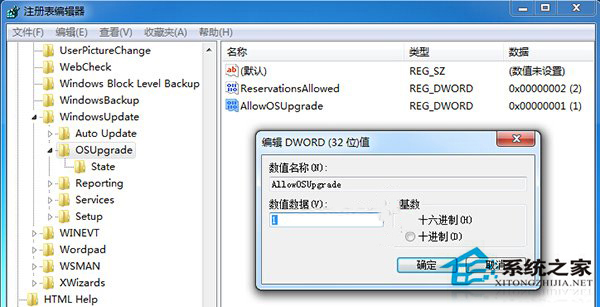
regedit 開啟登錄編輯器。KEY_LOCAL_MACHINE\SOFTWARE\Microsoft\Windows\CurrentVersion\WindowsUpdate\OSUpgrade。AllowOSUpgrade,雙擊設值為 1。修改完成後重新點擊更新,即可順利升級 Win10。