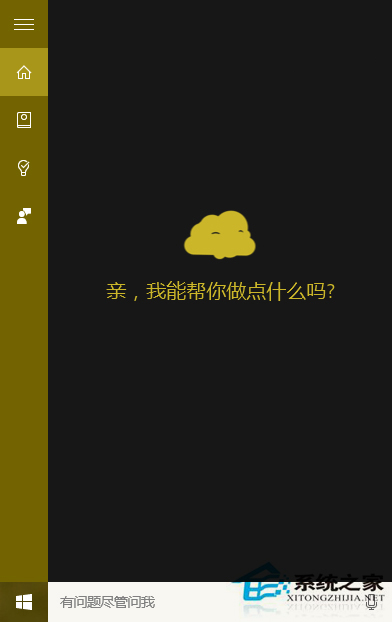
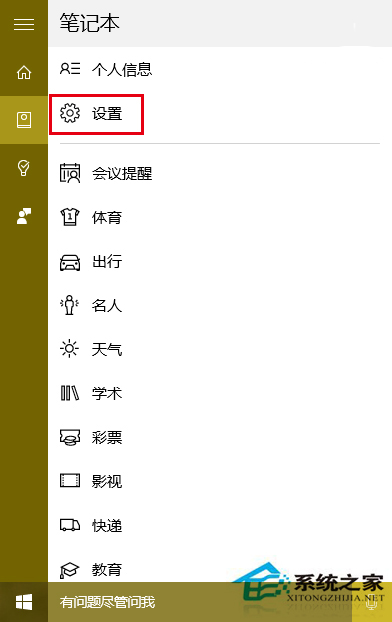
Windows 10 的 Cortana 工作列圖示預設為一個簡單的圓環。透過 Cortana 內建設定,可將其變更為更具辨識度的「帶眼睛麵團」造型圖示。
提醒: 早期版本 Cortana 設定過程可能會出現嚴重卡頓,請耐心等待回應。此功能在較新版本 Windows 10 中可能已整合至「設定」應用程式中。
Win10 升級至 Build 10547 (TH2) 完整圖文教學:加入 Insider 計畫快速通道
Win10 開機彈出「沒有預設郵件用戶端」?設定 Outlook 為預設程式
Win10 Build 9860 啟用「資料流量感知」:監控每個應用程式的網路用量
Windows 10 Edge 瀏覽器新增網址收藏夾的完整操作指南
Windows 10 應用商店打不開、閃退?兩大官方修復方案完整教學
Windows 10 正式版七大版本完整對照:家庭、專業、企業、教育、行動與 IoT 核心版差異解析
Win10 印表機無法列印怎麼修?疑難解答、重裝驅動、廠商官網下載完整流程
Windows 10 開始選單不見了?教您透過工作列屬性找回傳統開始選單