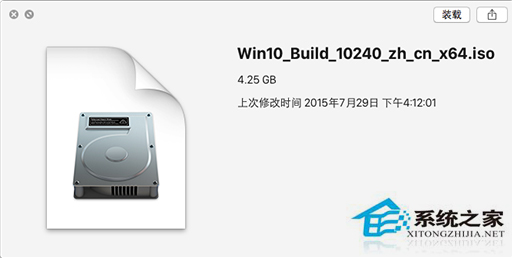
Win10 原生支援 ISO/IMG/VHD 掛載,無需第三方虛擬光碟機軟體。雙擊映像檔即可掛載為虛擬光碟機,使用方式與實體光碟機無異,需卸載時右鍵「推出」即可。
.iso
.img
.vhd
部分老舊遊戲需光碟驗證,此功能同樣適用,省去購買/安裝虛擬光碟機軟體麻煩。
Win10 升級提示關閉方法大全(重複內容已合併優化)
Win10 快速鍵大全:新增虛擬桌面/貼齊視窗/剪貼簿歷程/終端機 Ctrl+V,效率倍增鍵盤地圖
Win10 英文版如何安裝中文升級包?修改登錄表語言代碼實現跨語言升級
Windows 10 10041 新功能深度體驗:開始透明化、虛擬桌面增強、小娜登陸中國
百度 Win10 直通車升級報 ibmpmdrv.sys 不兼容?刪除聯想電源管理驅動解決
Windows 10 提高桌面應用啟動速度:註冊表關閉啟動延遲 (StartupDelayInMSec)
Win10 螢幕鍵盤與觸控鍵盤開啟教學:實體鍵盤故障時的備用方案
Win10 透過重設修復系統