Windows XP Windows 7 Windows 2003 Windows Vista Windows 綜合教學 Linux 系統教學
Windows 10 Windows 8 Windows 2008 Windows NT Windows Server 電腦軟體教學

Win10 找不到 iTunes 備份檔案?預設路徑與顯示隱藏資料夾教學

編輯:Win10 系統應用技巧

iTunes 備份檔案在 Windows 10 中預設儲存於 C:\Users\<使用者名稱>\AppData\Roaming\Apple Computer\MobileSync\Backup。因 AppData 為隱藏資料夾,許多使用者找不到。以下提供路徑與顯示隱藏檔案的方法。
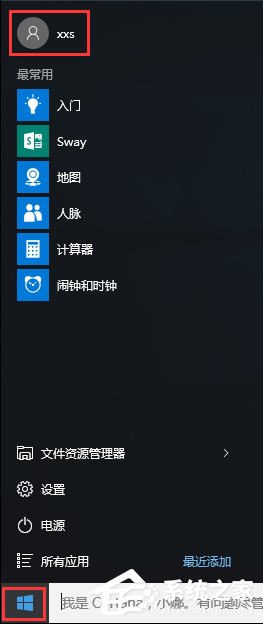
快速定位備份資料夾

  1. 開啟檔案總管,在網址列輸入 %AppData%\Apple Computer\MobileSync\Backup 按 Enter 直接跳轉。
  2. 或手動瀏覽:C:\Users\你的帳號\AppData\Roaming\Apple Computer\MobileSync\Backup。
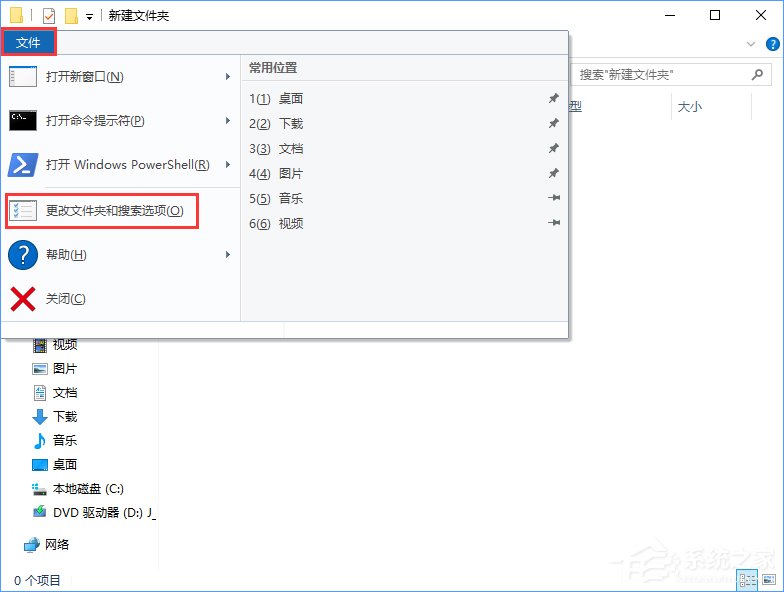
顯示隱藏資料夾

  1. 檔案總管 → 「檢視」索引標籤 → 勾選「隱藏的項目」。
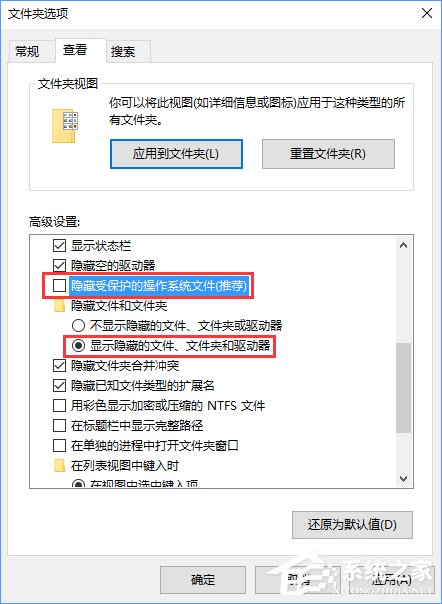
  2. 或「選項」→「檢視」→ 選取「顯示隱藏的檔案、資料夾及磁碟機」→ 取消勾選「隱藏受保護的作業系統檔案」。

找到備份資料夾後,可將其複製到外接硬碟備份,避免重灌系統遺失珍貴資料。

Copyright © Windows教程網 All Rights Reserved