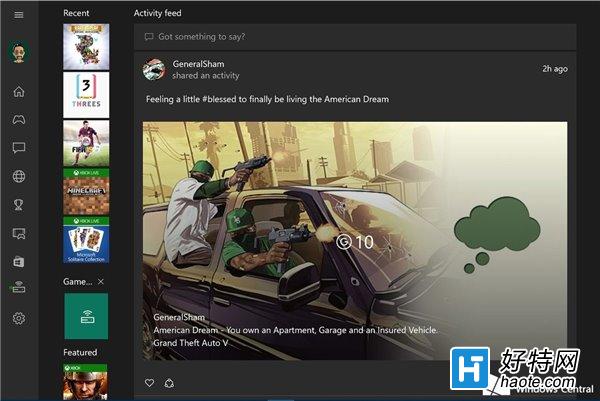
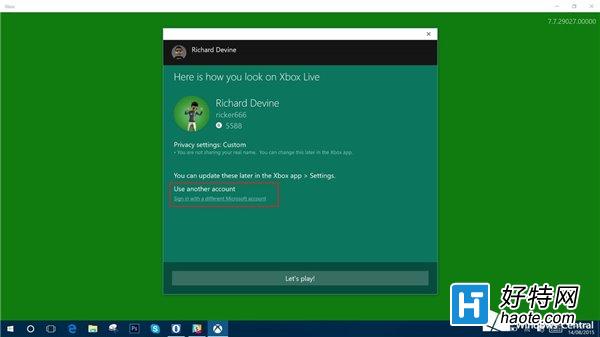
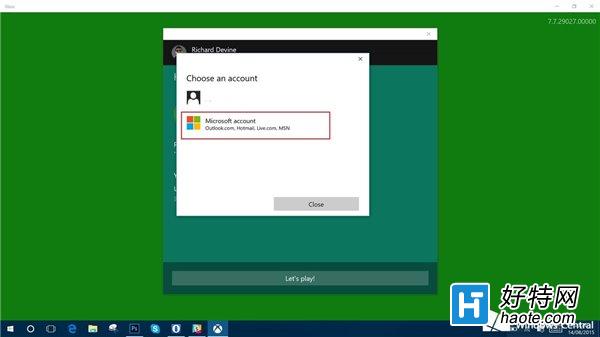
Xbox應用是Win10遊戲管理中樞與串流橋梁。遇到登錄錯誤0x800488AB時,按提示去Xbox.com登錄無效,真正有效的是切換賬戶登錄法。
該方法經Windows Central驗證,對大多數遇此錯誤用戶有效。若無效需等待微軟後端服務修復。IT之家建議遇此問題優先嘗試此法。
Win10 Mobile 更新應用錯誤 80073cf6 解決方案:多數應用可重裝修復,音樂/OneDrive 需等待官方修補
Win10 獲取 Insider Preview 會員版本 (預覽版) 完整綁定步驟
Win10 徹底銷毀已刪除檔案無法復原:使用 cipher /w:C 指令擦除磁碟剩餘空間(三遍覆寫)
Win10 刪除迅雷影音片庫?右鍵片庫→刪除,或直接解除安裝迅雷影音
新購 Win10 筆電 D 槽有「愛奇藝」資料夾?聯想預裝應用自動建立,可自行更改路徑或解除安裝
Win10禁用攝像頭?Windows Hello功能例外「強制征用」
Win10 升級後聲音忽大忽小?驅動程式衝突完整解決方案
Win10 Outlook 郵件與行事曆 App 快速鍵完整彙總(含導覽、郵件、行事曆操作)