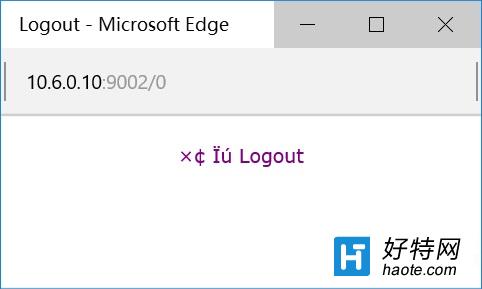
Win10 Edge/IE 瀏覽舊版網站 (銀行/政府/企業內部系統) 出現亂碼、排版錯亂,主因網站依 User Agent 判斷瀏覽器版本回傳錯誤編碼。群組原則強制 User Agent 為 MSIE 9.0 即可解決。
MSIE 9.0
注意: 此設定全域生效,可能影響現代網站正常渲染。建議僅在相容模式下使用,或改用 Edge「以 Internet Explorer 開啟」功能 (右上角 ⋯ → 以 Internet Explorer 開啟) 單獨處理問題網站。
Windows 10 應用商店不切換微軟帳號也能下載應用完整教學
Windows 10 修改註冊表:讓 Print Screen 全螢幕截圖自動存至桌面
Windows 10 使用 Cortana 語音新增提醒事項的快速技巧
Win10 升級出現 0x8024402f 錯誤?CMD 重置更新服務與登錄完整指令包
Win10 如何設定護眼綠色(系統保護色)?修改登錄表 Window 色值
Win 10 跟小娜玩成語接龍:Cortana 內建遊戲邊玩邊學
微軟悄悄修改EULA:Win10獲權禁用盜版遊戲與未授權硬件
Win10 家庭群組佔用磁碟 100%?停用 HomeGroupListener 服務即可解決