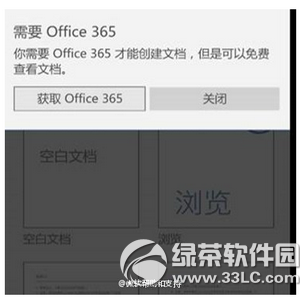
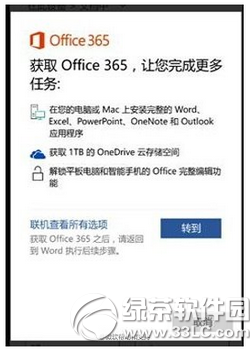
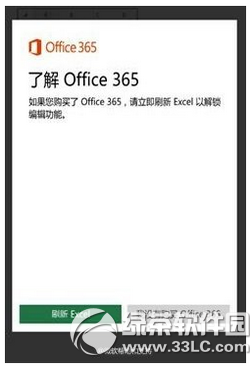
Win10 Mobile 手機與小尺寸平板 (< 10.1 吋) 內建 Office Mobile 永久免費授權,但升級後開啟 App 仍提示「需要訂閱 Office 365」。此為授權驗證快取異常,官方臨時繞過流程:
根本解決: 至「設定」→「更新與安全性」→「Windows Update」安裝最新累積更新,微軟已在後續版本修正此授權驗證 Bug。若持續發生,可嘗試解除安裝 Office Mobile 並從 Microsoft Store 重新安裝。
Windows 10 一鍵隱藏所有桌面圖示技巧
Windows 10 串流玩 Xbox One 遊戲完整教學:在 PC 上體驗主機大作
Win10 9860 調整預覽版更新速度:快速通道 vs 慢速通道
Win10 隱藏導覽列 (側邊欄) 中的 USB 隨身碟圖示:修改登錄法
Windows 10 內建放大鏡工具執行檔路徑位置
Win10 通知區網路圖示驚嘆號消不掉?註冊表修改法(含風險提醒)
Windows 10 快速切換到桌面的 3 種方法
Win 10 一鍵鎖定螢幕:VBS 腳本呼叫 LockWorkStation 實現秒鎖