Windows 10 內建 Windows Subsystem for Linux (WSL) 支援 Bash,但在舊版主控台模式下無法啟動,會提示 In order to use this feature the legacy console must be disabled. 解決方法為關閉主控台的「使用舊版主控台」選項。
解決步驟
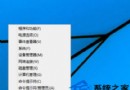
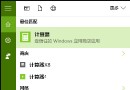
- 開啟命令提示字元或 PowerShell 視窗。
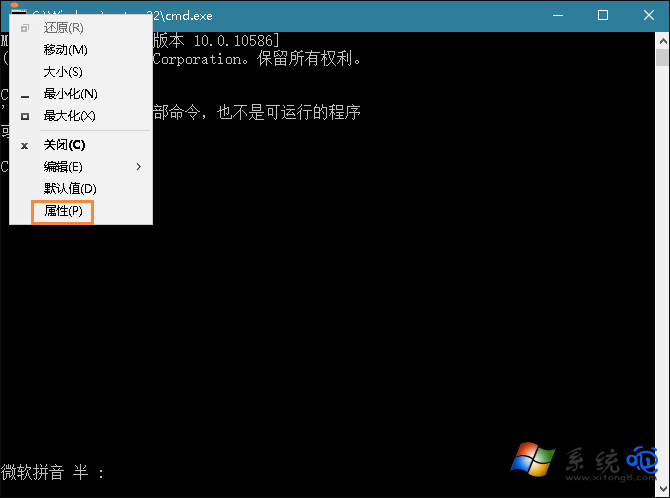
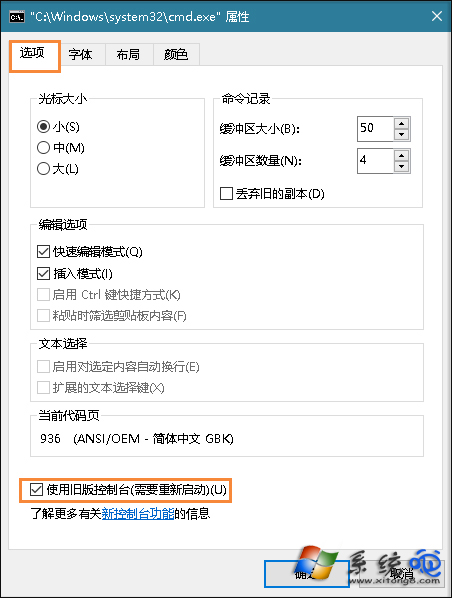
- 點擊視窗左上角圖示 → 「內容」。
- 取消勾選「使用舊版主控台」→ 「確定」。
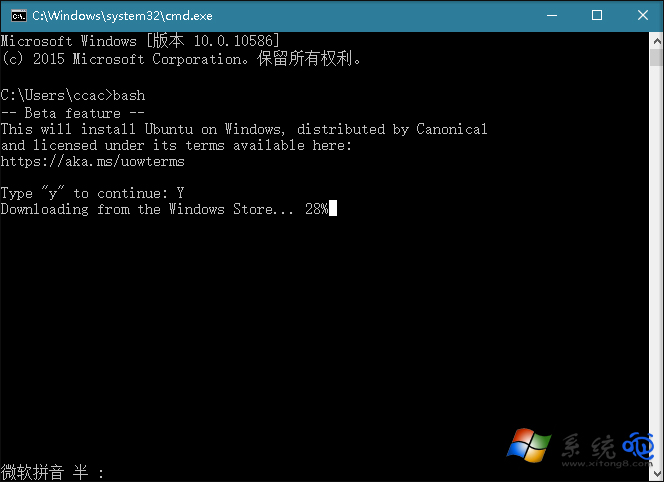
- 關閉視窗重新開啟,輸入
bash 即可進入 Linux 環境。
補充知識
- Bash 是 GNU 計畫開發的 Unix Shell,為 Linux/macOS 預設 Shell,Windows 透過 WSL 實現相容。
- 新版主控台支援 VT 序列、真彩色、Unicode 等現代功能;舊版主控台僅為相容舊應用程式(如某些 DOS/Win32 傳統程式)。
- 若需執行舊版相容程式,可暫時重新啟用「使用舊版主控台」。
啟用新版主控台後,即可在 Windows 10 原生體驗完整 Bash 環境。