Win10 安裝字體邏輯與舊版一致,提供兩種模式因應不同需求:
準備工作
先從網路下載所需字體檔(.ttf/.otf 等),解壓縮備用。
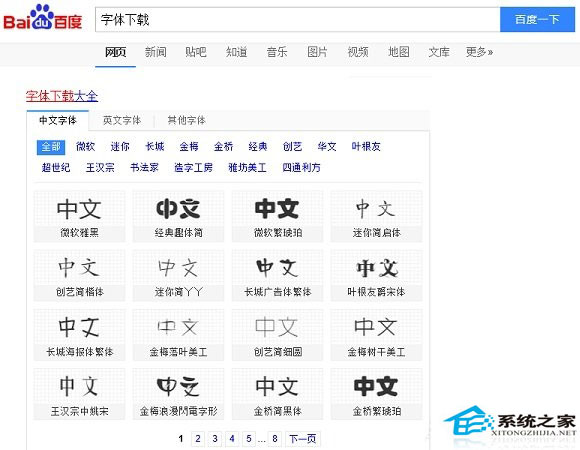
方法一:單一右鍵安裝(適合少量字體)
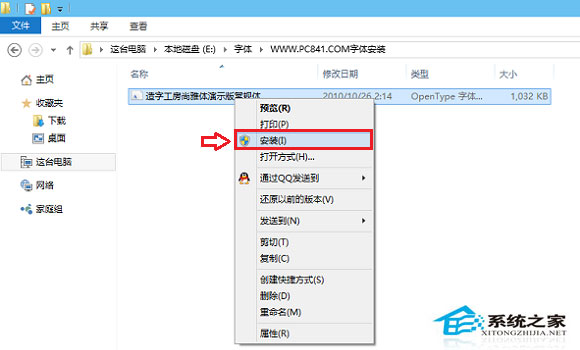
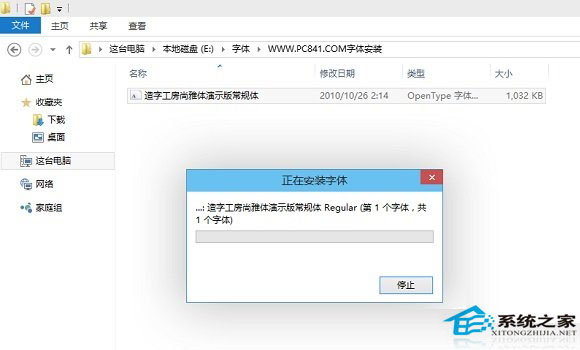
方法二:批量複製到字體資料夾(適合大量字體)
C:\Windows\Fonts)。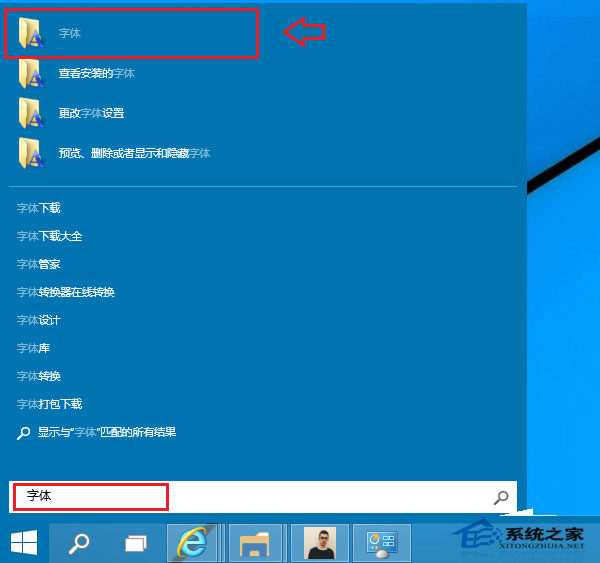
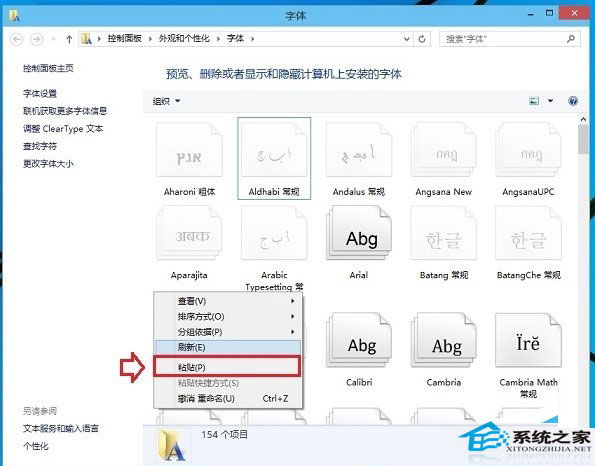
建議:少量用右鍵安裝直觀,大量部署用複製貼上最高效。
Win10 重新註冊/重裝所有內建應用程式(PowerShell 指令)
Win10 一鍵清除開始選單所有動態磚訊息:登錄檔 ClearTilesOnExit 完整教學
Win10 無法開啟登錄編輯器提示檔案系統錯誤?修復 UAC 設定即可
Win10 啟用內建 Administrator 超級管理員帳戶:電腦管理圖形介面操作
Windows 10 Cortana (小娜) 無法連網修復:重置 Winsock 與變更 DNS (完整圖文)
Win10 啟用藍畫面錯誤資訊記錄:登錄表新增 DisplayParameters 顯示詳細錯誤碼
Windows 10 IoT 核心版預覽版介紹:支援 Raspberry Pi 2、MinnowBoard MAX、Intel Bay Trail、藍牙/無線網路仍在開發中