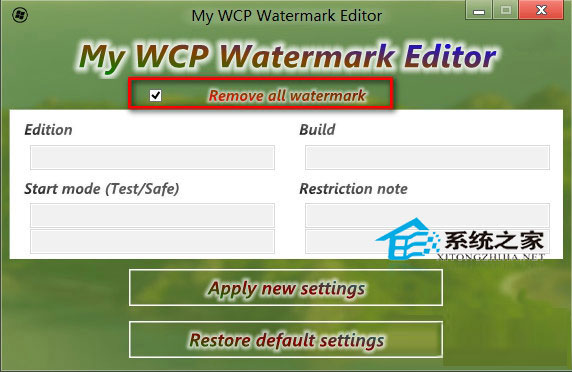
Win10 技術預覽版桌面右下角會固定顯示版本水印,對強迫症用戶頗為礙眼。可使用第三方去水印工具一鍵移除:
過程中檔案總管會自動重啟一次,稍待片刻水印即消失。工具體積小巧,不影響系統穩定,適合想要純淨桌面的用戶。
Win10 移除 Bing 工具列:停用 Cryptographic Services + 刪除 Catroot2 資料夾
Win10/8.1/7 輸入法無法切換?啟動 MsCtfMonitor 任務 30 秒搞定
Win 10 應用商店「已購買未安裝」清單無法移除?切換帳號暫時隱藏
Win10 Edge 瀏覽器設定首頁(啟動頁面)完整教學
Win10 任務管理器開啟三大法:搜尋、快捷鍵、執行指令
Windows 10 解除安裝更新修復崩潰/相容問題:WinRE 環境中「解除安裝預覽更新」功能
Windows 10 筆電鍵盤按鍵錯亂?Fn + NumLock 關閉數字鍵盤恢復正常
Win10 如何關閉應用程式商店自動更新?商店設定關閉「自動更新應用程式」釋放頻寬