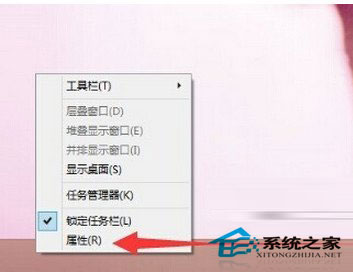
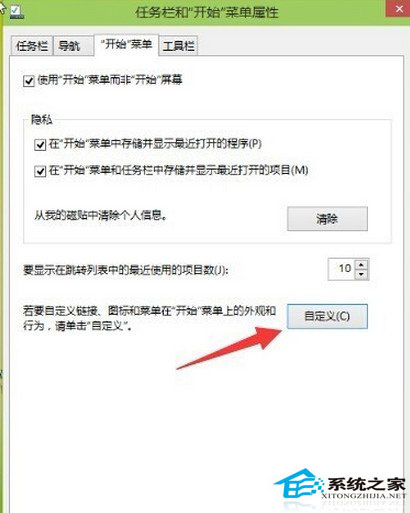
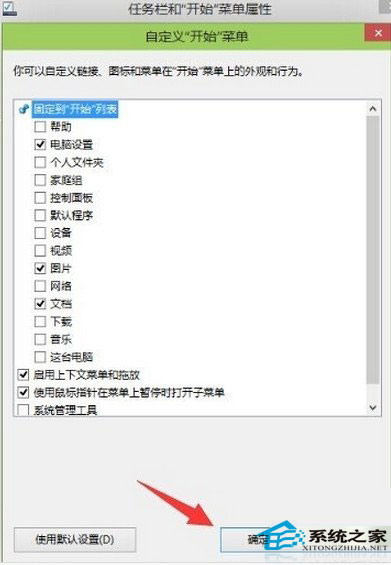
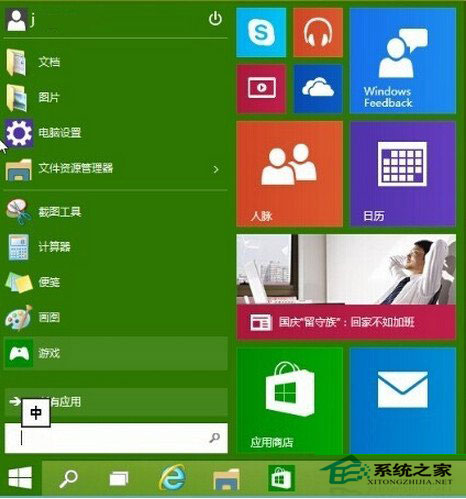
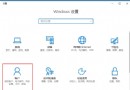
自訂開始選單可移除不常用程式、加入常用應用,操作更便利。
Win10 調整桌面圖示間距,註冊表修改 IconSpacing/IconVerticalSpacing 完整教學
Win10 正式版七大不可忽視缺點與 Bug 彙總:設定混亂、強制更新、Edge 體驗待加強等
Windows 10 Office 2010 Word 選單列消失解決:停用 NtkoOfficeControl Helper 增益集
Win10 設置默認瀏覽器/應用無反應?「按應用設置默認值」繞過 Bug 解決
Win10 新增工具列:將常用資料夾釘在工作列秒開
Win10 開始選單隱藏「最近開啟的程式」:任務列屬性一鍵關閉,保護隱私又清爽
Win10 虛擬內存手動設置圖文教程:8 張截圖演示非系統盤固定大小優化
Win10 「敘述者」語音切換:中文 Huihui vs 英文 Zira 任你選