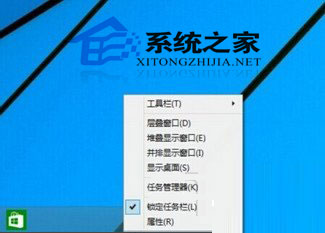
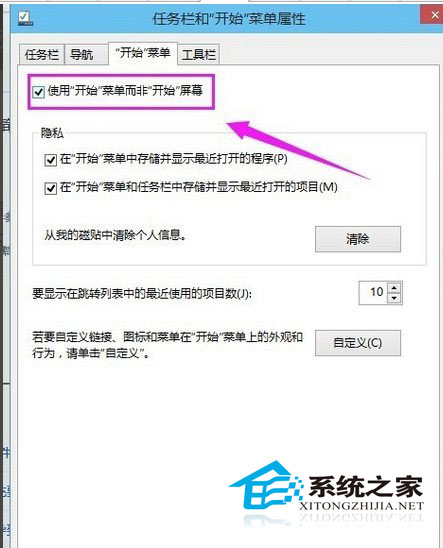
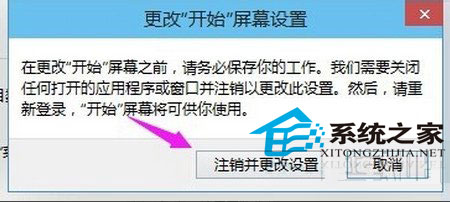
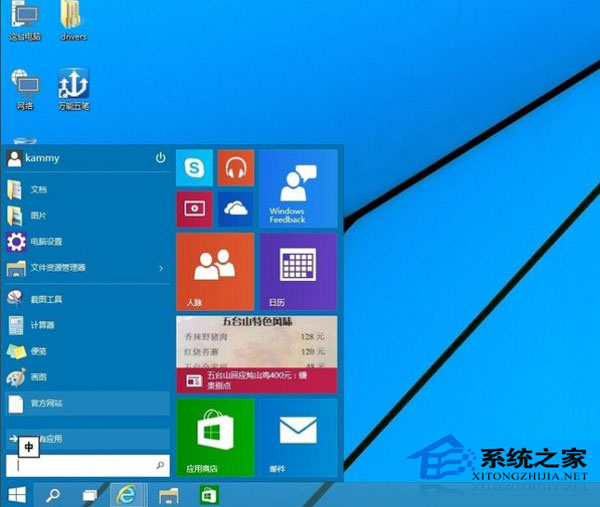
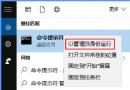
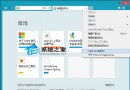
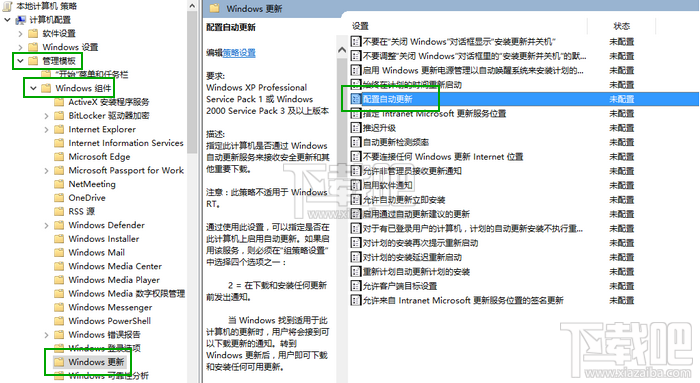
部分用戶回報開始選單消失,解決方法:
Windows 10 預覽版仍在測試階段,遇到問題可向微軟回報或社群交流尋求協助。
Win10 Build 10163 更新日誌曝光:修復回滾 Win8.1 黑屏凍結、保留自訂電源計畫
Win10 IE 瀏覽器無法使用?同 ID 22397 三大解法:重置 Winsock、清 Proxy、新帳號
Win10 ISO 映像檔整合語言包製作中文版教學
Windows 10 必學 20 個 Win 鍵組合鍵:效率神技完整圖表
Windows 10 網路設定介面變革:從 Charms 側邊欄到獨立視窗
Win10 開機出現 Recovery 藍屏「Your PC needs to be repaired」:升級損毀唯有重裝系統
Windows 10 技術預覽版無法解除安裝,僅能重裝舊系統
Win10 設定 Win+E 快捷鍵直接開啟「這台電腦」而非「快速存取」