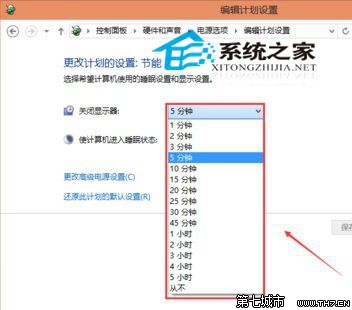
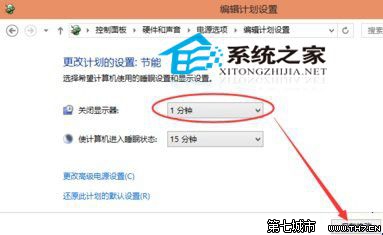
若螢幕未熄滅,嘗試 Win+D 最小化所有視窗後靜置測試。
Windows 10 提升網頁載入速度:Internet 選項調整快取與資料庫設定
Windows 10 顯示卡驅動程式如何更新?裝置管理員自動搜尋最新驅動
Win10 Alt+Tab 切換任務隱藏開啟視窗:登錄表新增 MultitaskingView\AltTabViewHost\wallpaper=1
Win10 如何調整工作列縮圖預覽視窗大小?登錄修改 MinThumbSizePx 數值自訂寬度
使用 VHD 虛擬硬碟安裝 Win10 雙系統完整圖文教學
Win10 內建虛擬列印輸出 PDF:Microsoft Print to PDF 免安裝第三方軟體
Win10 如何關閉通知中心訊息?設定關閉系統圖示「通知中心」
Win10 設置默認瀏覽器/應用無反應?「按應用設置默認值」繞過 Bug 解決