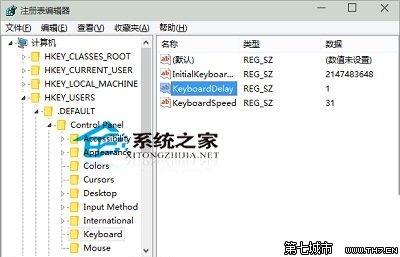
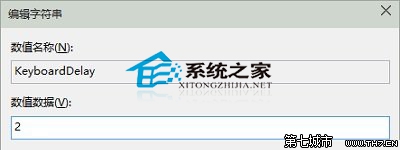
regedit 並按 Enter。HKEY_USERS\.DEFAULT\Control Panel\Keyboard,雙擊右側的 InitialKeyboardIndicators。2147483648 修改為 2,確定並關閉編輯器。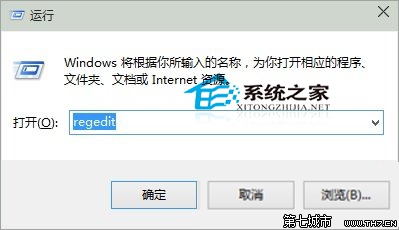
Win10 內建應用提示「內建管理員無法啟用」?啟用 UAC 群組原則即可
Win10 待機時間設定:從 30 分鐘改為 1/2 小時或永不待機
Win10 登入微軟帳號報錯 0X800b0109 解決辦法
Win10 如何關閉「快速存取」最近使用檔案記錄?登錄修改 ShellFolder Attributes 值隱藏隱私
Win10 升級錯誤 0x8024001e 解決:微軟官網查詢代碼 → 下載對應位數病毒庫更新 → 關閉 Windows Defender → 重試更新成功
Windows 10 Mobile 10536 更新錯誤 0x800705b4 解決方案:重啟清理背景應用、必要時還原 WP8.1 重升