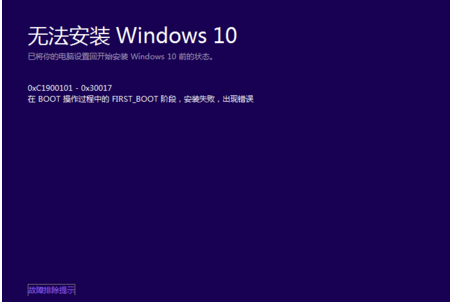
Win10 右鍵開始選單 (Win+X 選單) 失效,註冊表修復法:
regedit。HKEY_CLASSES_ROOT 找到 linkfile,右側新建字串值 IsShortcut。IsShortcut。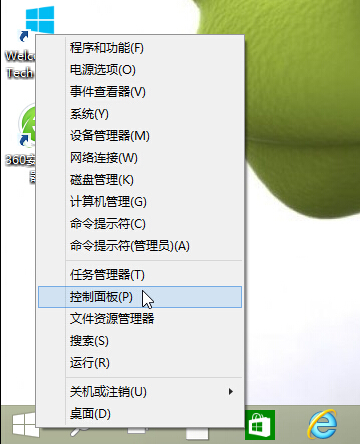
此問題常因系統檔案關聯遺失導致,補回 IsShortcut 即可恢復右鍵選單功能。
Win 10 快速存取如何自訂常用資料夾?右鍵「釘選到快速存取」一鍵完成
Win10 升級錯誤 0x800704C7 修復:重置 Windows Update 元件 (停止服務、清快取、啟動服務、停用啟動項、重開機)
Windows 10 應用商店裝置上限 10 台?教你移除舊裝置繼續安裝新裝置
Win10 Word 2016 無法開啟 PDF?以系統管理員身分執行即可解決
Win10 檔案總管隱藏「常用資料夾」與「最近使用的檔案」:資料夾選項兩步驟完成,保護隱私
Win 10 恢復 Win 8.1 風格網路清單 (註冊表 ReplaceVan=0)