使用微軟官方工具製作 Windows 10 USB 安裝碟:
準備
- 8GB 以上 USB (建議 USB 3.0 高速傳輸)。
- Windows 10 ISO (32/64 位元)。
- Windows 7 USB/DVD Download Tool (微軟官方下載)。
製作步驟
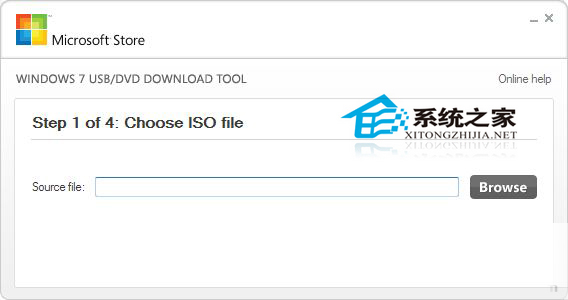
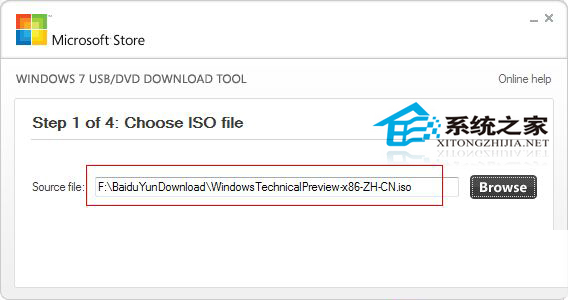
- 安裝並執行工具 → 「Browse」選取 ISO → 「Next」。
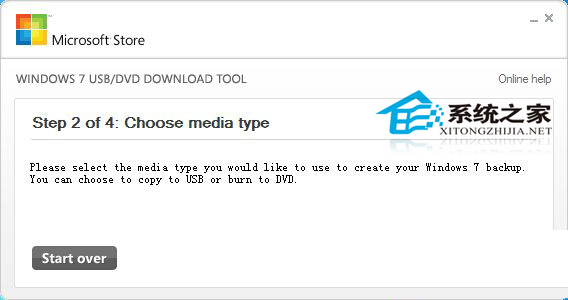
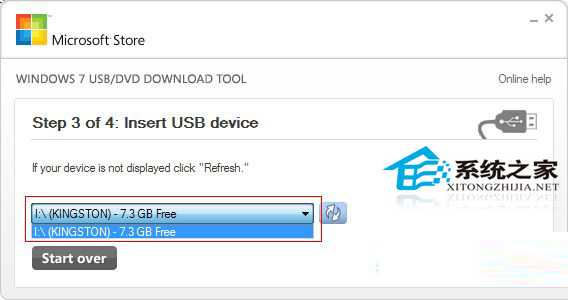
- 選擇「USB device」 → 選取目標 USB → 「Begin copying」。
- 等待進度條完成 (數分鐘) → USB 即為可開機安裝碟。
使用時:BIOS 設定 USB 為第一啟動序 → 開機進入 Windows 安裝程式。工具雖名為 Windows 7 但完整支援 Windows 8/10 ISO。