錯誤原因:Windows Update 服務權杖過期或前後台更新衝突。微軟官方建議重置服務。
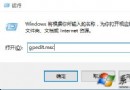
net stop wuauserv
net start wuauserv
exit 關閉。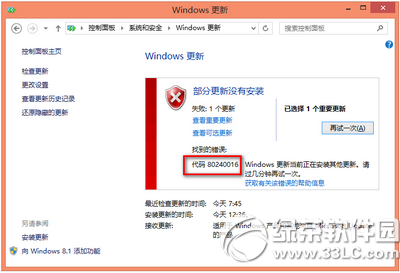
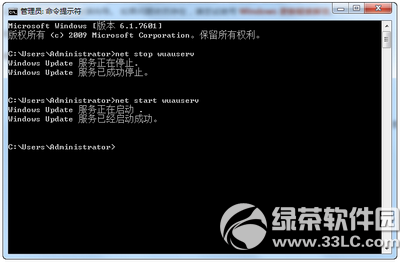
適用錯誤代碼:WindowsUpdate_80240016 / 0x80240016。
Win10 如何查看 Windows 防火牆監視器狀態?高階安全性防火牆監視目前規則與連線
Win10 週年更新 (1607) UWP 應用閃退 (Twitter/Netflix 等)?wsreset 清除商店快取臨時修復
加入 Windows Insider 計畫教學:微軟帳號註冊、接受條款、下載 Technical Preview ISO
Windows 10 ESD 映像檔轉 ISO 完整教學:使用 Dism++ 工具一鍵轉換
Win10 徹底關閉 Internet Explorer 11:透過「開啟或關閉 Windows 功能」移除
Win10 藍屏 0x00000050 怎麼修?更新驅動/刪除分頁檔/清理啟動項兩大方案