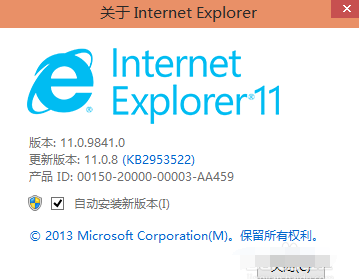
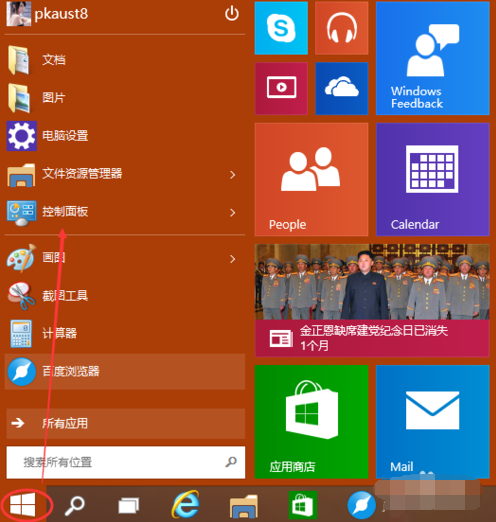
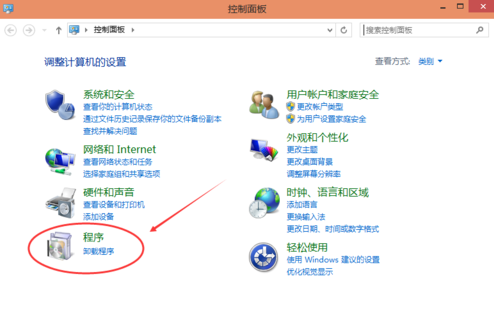
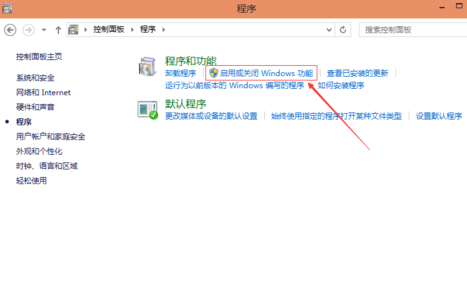
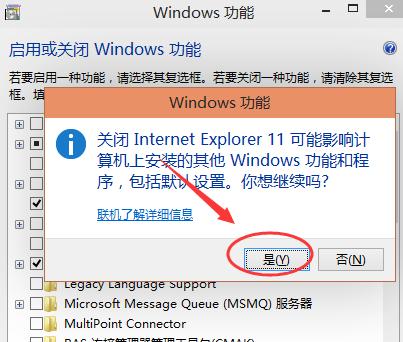
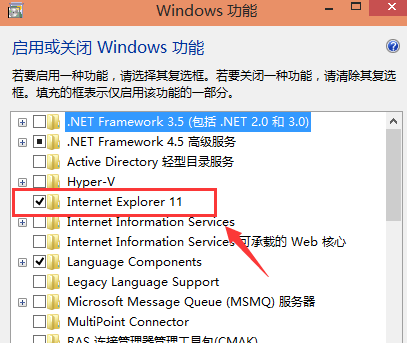
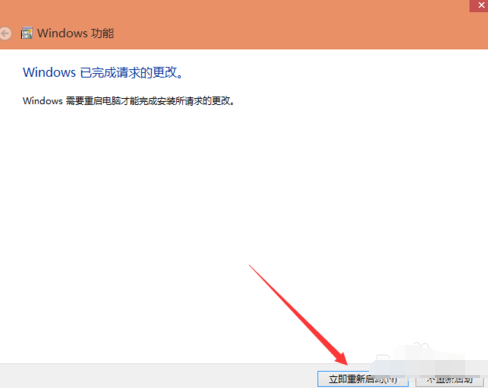
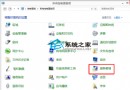
重啟後 IE 11 將被移除,若需重新安裝,同樣在「Windows 功能」中勾選即可。
Win10 藍屏記錄詳細資訊:註冊表啟用 DisplayParameters 讓藍屏顯示傳統診斷參數
Win10 移除通知區域網路圖示黃色驚嘆號的登錄修改法
Win10 更換使用者大頭照:開始選單→使用者帳戶→更改帳戶設定→您的資訊→瀏覽選擇照片
Win10 如何隱藏「常用資料夾」與「最近使用的檔案」
Windows 10 安裝 UG NX 10.0 完整圖文教學:從 Java 環境到破解授權
Win10 如何關閉 Windows Defender 病毒防護提示?兩種情境完整對策
Win10 檔案存取被拒絕?取得資料夾擁有權解決權限問題
Win10 電腦莫名自動重開機?關閉「系統失敗自動重新啟動」一勞永逸