想快速找出電腦裡所有 .zip、.rar 壓縮檔?兩種做法:
.rar 或 .zip → 即時顯示結果清單。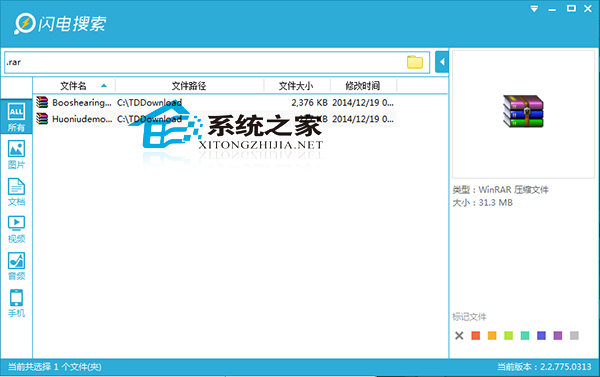
.rar 或 .zip → 系統自動遞迴搜尋並列出結果。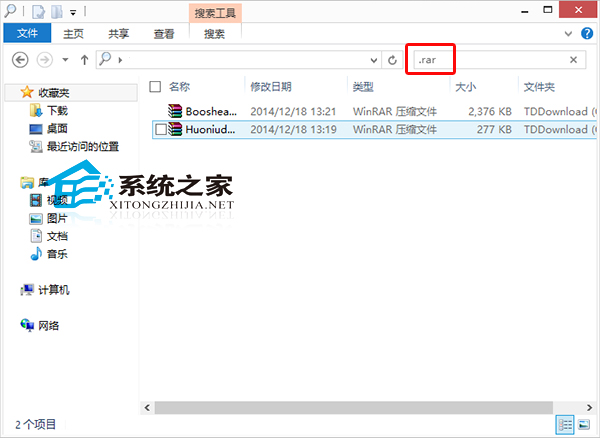
內建搜尋雖較慢但零安裝;閃電搜尋建立索引後近乎秒出結果,視需求選擇。
Win10 Cortana (小娜) 不說話?乾淨啟動排查第三方衝突,恢復語音回饋
Win10 升級後 SVN 圖示不顯示?登錄表重命名 ShellIconOverlayIdentifiers 修復
Win10 任務列通知區域圖示異常?重置 IconStreams 與 UserStartTime 徹底修復
Win10 如何關閉/隱藏快速存取 (Quick Access)?登錄修改 Attributes 值圖文教學、可還原
SSD 固態硬碟邏輯壞軌怎麼修?魯大師掃描修復 + 備份資料保平安