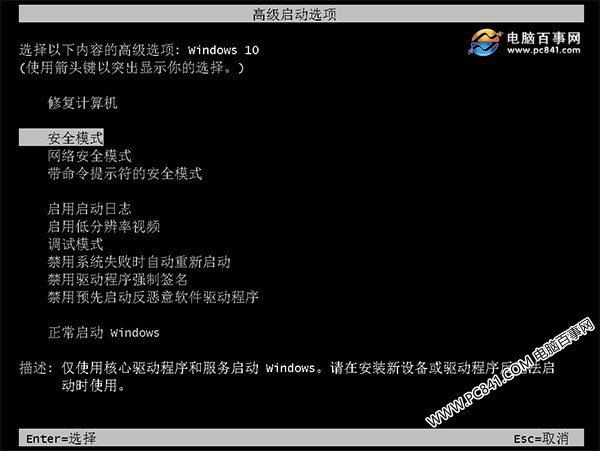
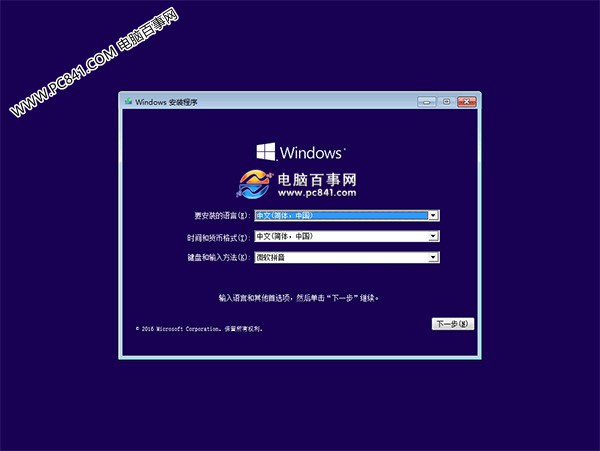
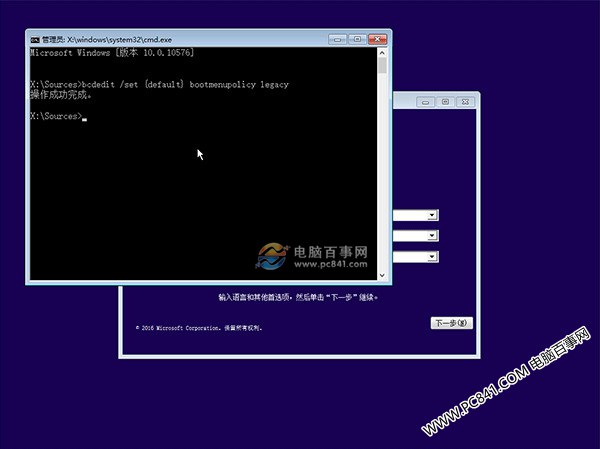
Win10 預設啟用「快速啟動」,開機不再支援 F8 叫出安全模式選單。可透過安裝媒體修改 BCD 設定恢復傳統行為:
bcdedit /set {default} bootmenupolicy legacy管理員 CMD 執行:bcdedit /set {default} bootmenupolicy standard,並確保「快速啟動」啟用。
Win10 Microsoft Store 切換地區:設定→時間語言→地區一鍵換區下載美區/日區獨佔應用
Win10 滑鼠滾輪靈敏度怎麼調?設定 → 裝置 → 滑鼠 設定「每次捲動行數」
Win 10 Build 14931 更新內容與已知問題彙總:USB Audio 2.0 原生支援、修復黑屏與預裝 App 故障
Windows Hello 生物辨識免密碼登入:臉部/虹膜/指紋解鎖裝置、Microsoft Passport 替代密碼登入網站服務
Win10 禁止 Windows Update 更新訊息推送:安全性與維護一鍵關閉通知