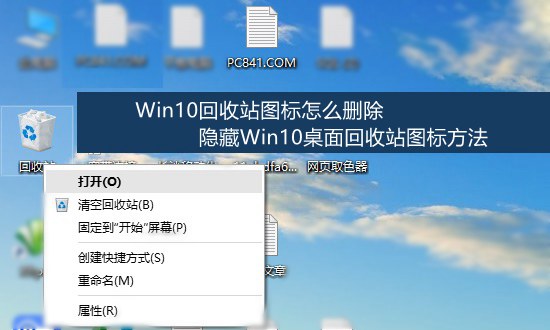
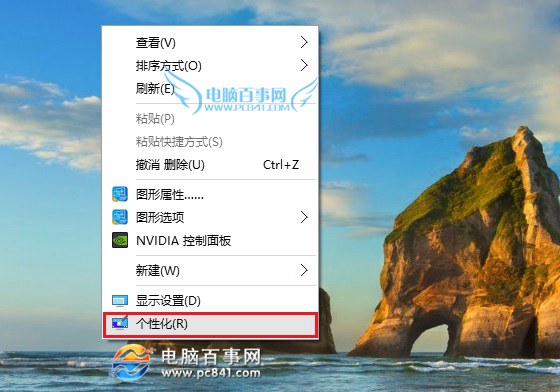
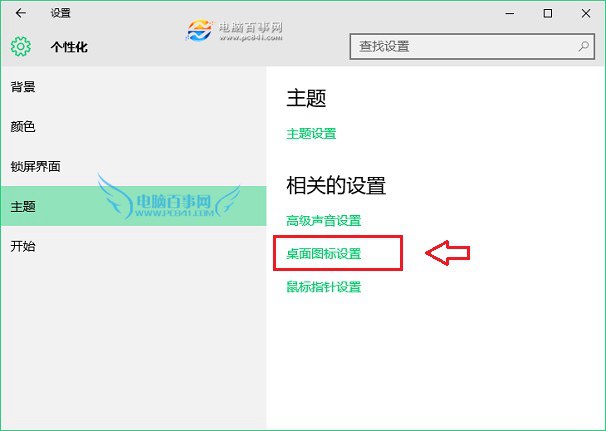
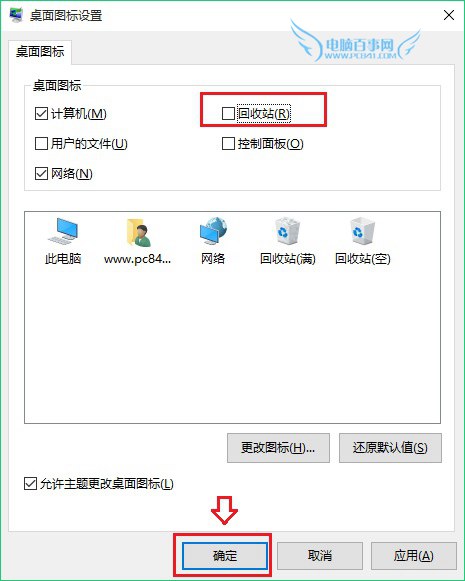
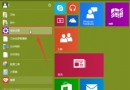
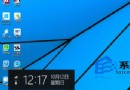
Win10 桌面回收站圖示無法直接刪除,但可透過「個人化」設定隱藏:
需恢復時,同路徑勾選回收站即可。此法僅隱藏圖示,不影響回收站功能。
Win10 檔案副檔名顯示/隱藏一鍵切換
Win10 Mobile 安裝 Android APK 應用教學 (含 Visual Studio 與 SDK 環境建置)
Win10 Mobile RS2 14926 更新與修復內容:Wi-Fi 設定介面改版支援 WPS、Edge 穩定性、音量/免打擾/小娜/VPN/相簿縮圖修復
Win10 雙顯卡切換設定:指定遊戲使用獨顯
Win10 如何登出/切換使用者帳號?開始選單點擊使用者頭像即可
Windows 10 關閉小娜 (Cortana) 與隱私權收集設定教學
Windows 10 技術預覽版能否直接升級為正式版?
Win10 Mobile 週年更新 14393 正式版更新內容詳解 (開始畫面、通知中心、Cortana、跨裝置同步)