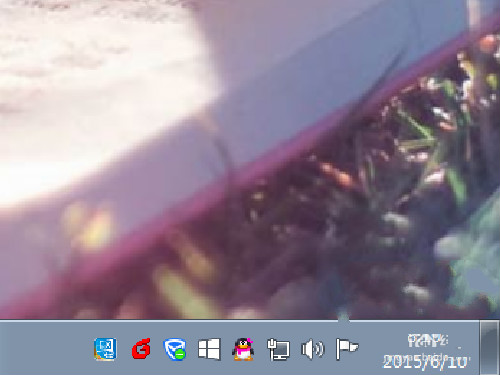
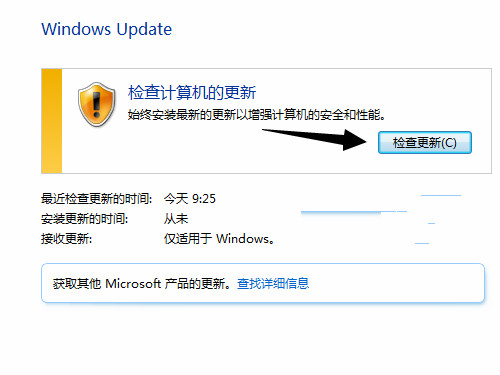
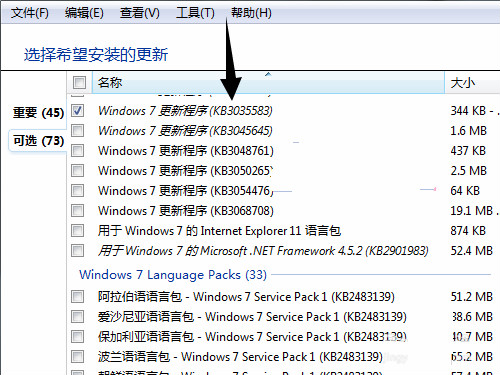
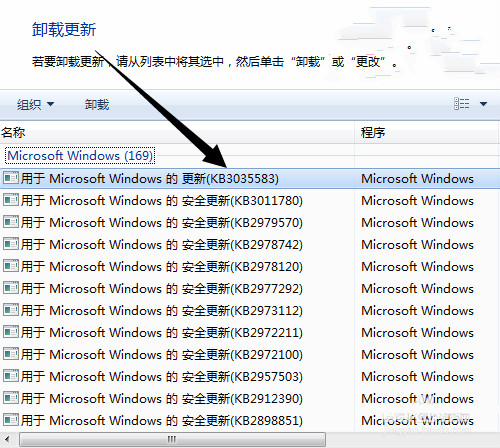
任務列右下角的「取得 Windows 10」升級圖標實為 Windows Update 推送的更新元件 (KB3035583)。若系統未顯示該圖標,請依序嘗試:
此圖標為微軟官方升級入口,用戶可自行決定是否保留。若不想看到,可在「工作管理員」中停用 GWX.exe 進程,或透過群組原則/登錄隱藏。
GWX.exe
Win10 系統用過的頭像記錄如何清除?刪除 AccountPictures 資料夾內容圖文教學
Win 10 系統 Bug 多?一鍵「重設這台電腦」徹底解決開機黑屏、商店閃退、開始選單卡頓等頑疾
Windows 10 更新顯示卡驅動程式(含圖文步驟)
Win10 Cortana 小娜圓環圖示切換面團完整教學
Win10 安裝程式無法啟動?兩種常見解決方案
Windows 10 執行 League of Legends (LoL) 卡頓、藍畫面、閃退完整排除教學
Windows 10 顯示/隱藏檔案副檔名:檔案總管一鍵切換
Win10 升級 TH2 失敗錯誤 0xc1900101-0x30018?啟動核心更新服務解決安裝受阻