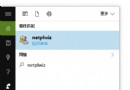
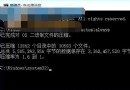
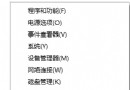
0x80072EFD 表示 Windows Update 或 Microsoft Store 無法連線至伺服器,通常由防火牆、防毒軟體、VPN/Proxy、網路加速器等攔截連線導致。
https://*.update.microsoft.comhttps://*.update.microsoft.comhttps://download.windowsupdate.com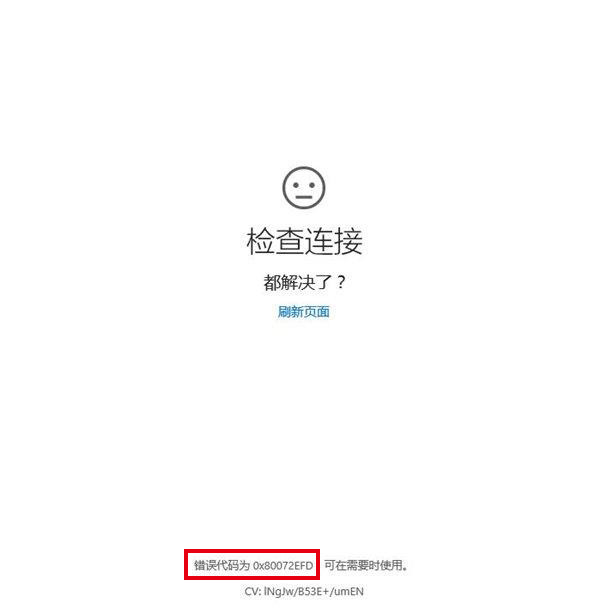
Test-NetConnection -ComputerName update.microsoft.com -Port 443 驗證連線。C:\Windows\System32\drivers\etc\hosts) 是否有微軟更新網域被導向錯誤 IP。Win 10 換 SSD 後頻繁假死?登錄檔修改電源設定關閉 LPM 與 DIPM 節電功能
Win10 應用程式錯誤 0xc000007b 解決:安裝 DirectX 9.0c 與 VC++ 執行階段庫
Win10 直通車 peckp.sys 不相容解決:同 22073 刪除舊網銀驅動與登錄
Windows 10 重置 Modern 應用程式 (UWP) 修復閃退/無回應:PowerShell 一鍵指令
Win10 Edge 瀏覽器預設傳送瀏覽歷程給微軟?關閉 Cortana 與頁面預測保護隱私
Win10 如何更換登入畫面背景圖片 (進階 PowerShell 法)
Win10 不登出即可切換開始選單/開始螢幕:登錄表修改 EnableStartMenu 值 0/1 切換 + 重啟 explorer