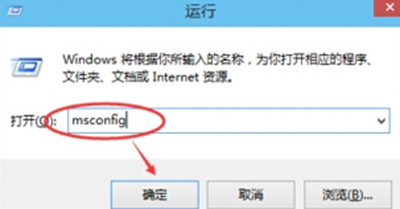
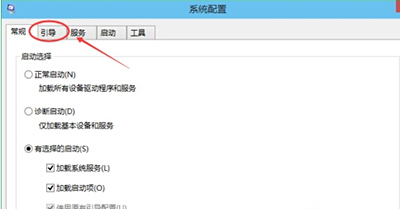
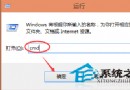
msconfig
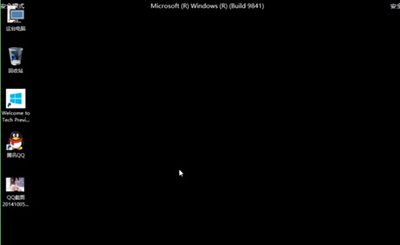
再次執行 msconfig,取消勾選「安全開機」並重開機即可恢復正常模式。
Win10 工作管理員打不開?重新啟動 DWM (桌面視窗管理員) 修復
Win10 取得使用者管理員權限:本機安全性原則調整 UAC 行為
Win10 預覽版應用商店打不開?一行指令快速修復
Windows 10 啟用來賓帳戶 (Guest) 完整教學:命令列建立與群組原則修復預設帳戶
Win10 Build 10147 Edge 瀏覽器支援分頁拖曳開新視窗,多視窗操作更靈活
Win10 快速開啟工作管理員三大法:搜尋、快速鍵、指令
Win10 設定共用資料夾教學:區域網路檔案共享
QQ 公眾號是什麼?騰訊雙公眾平台戰略:訂閱號與服務號雙軌制