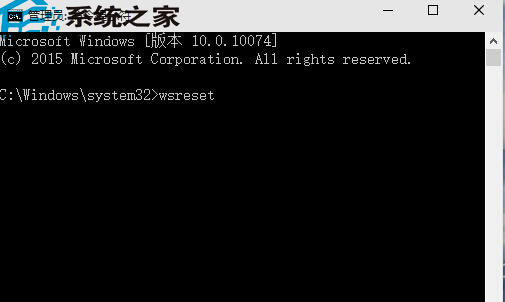
Store 無法開啟/下載失敗,多半是快取損壞,管理員命令列執行 wsreset 即可重置。
wsreset
同指令亦可清理 Store 下載的暫存檔,建議定期執行維護。
Win10 反覆提示「已重設應用程式預設值」?卸載 KB3135173 累積更新暫時緩解,待微軟修補
Win10 安裝 CAD 提示無法啟動?相容模式+斷網+關閉 Defender 完整激活流程
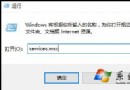
Win10 安裝字體失敗?啟用 Windows Firewall 服務即可解決
Win10 攝影機無法使用解決方案:隱私權設定啟用應用程式存取權
Win10 螢幕亮度調整完整指南:設定介面與快捷鍵雙管齊下
Windows 10 雙系統設定預設開機系統圖文教學
Windows 7 環境下 USB 安裝 Windows 10 雙系統教學:分區法保留 Win7 主系統
Win10 小娜搜尋綁定 Edge 怎麼破?第三方工具 Cortana Search 導向預設瀏覽器