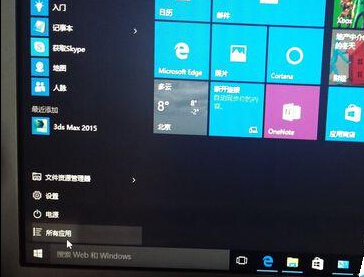
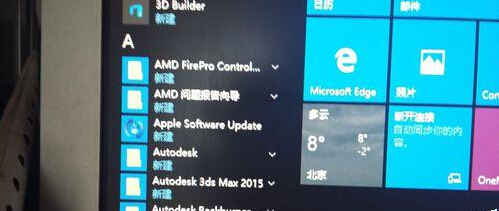
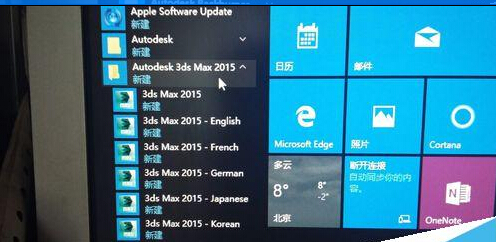
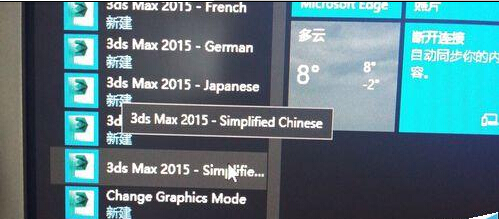
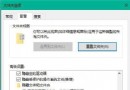
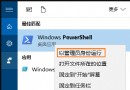
3ds Max 2015 安裝後預設英文捷徑,中文版需從開始選單手動建立:
同理可建立其他語系版本捷徑。
Win10 80 連接埠被佔用導致伺服器啟動失敗?三種解決方案
Win10 重建搜尋索引教學:解決檔案搜尋不全、速度慢、結果錯誤
Win10 如何禁止系統自動更新 (三種方法)
Win10 隱藏工作列搜尋按鈕與任務檢視按鈕(登錄檔法)
Win10 玩遊戲無法全螢幕/有黑邊?修改登錄檔 Scaling 值與啟用 DirectPlay 組件修復
Win10 快速查看系統是 32 位元還是 64 位元的兩種方法
Win10 音量控制橫向怎麼改回經典直向?登錄檔新增 EnableMtcUvc=0 恢復 Win7 風格垂直音量滑桿
Win10 32 位元與 64 位元版本差異與選擇建議