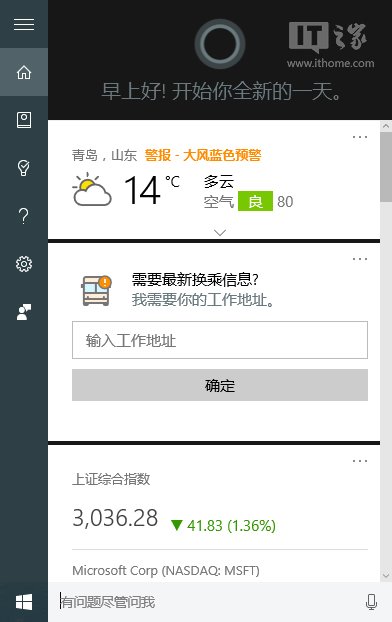
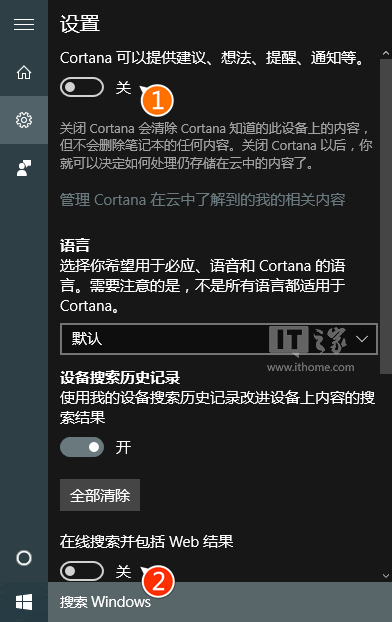
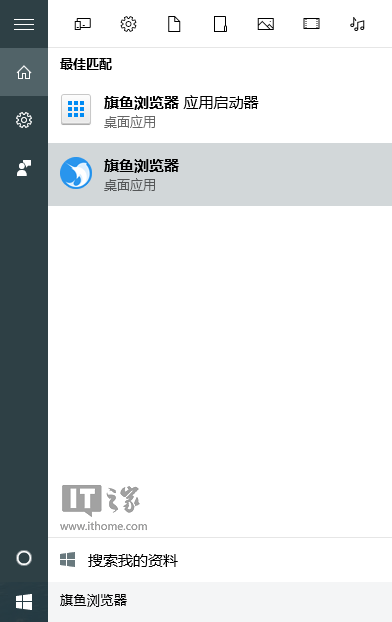
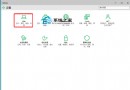
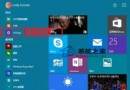
Win10 Cortana 預設整合線上搜尋,搜尋本地檔案時網路結果常成干擾。若想暫時純本地搜尋,必須「先關閉 Cortana,再關閉網路搜尋」——不關閉 Cortana 選單不會顯示「線上搜尋並包含網路結果」選項。
用完本地搜尋後,重新開啟 Cortana 總開關即可恢復線上搜尋與興趣功能。
Windows 10 變更使用者頭像為自訂圖片
Windows 10 正式版發布時間:2015 年夏季,190 國 111 語言同步上市
Win10 Cortana 搜尋緩慢?關閉 Web 搜尋大幅提升本地檔案搜尋速度
Win10 連不上 Wi-Fi?檢查網卡驅動、無線服務、適配器設定三步排查
Windows 10 移除任務列「搜尋」與「工作檢視」按鈕註冊表教學
Win10 一指令查詢上次關機方式:完整關機、快速啟動、休眠一目了然
Win10 無法播放影片/音樂 (網頁緩衝不播、內建播放器失效)?乾淨啟動排除第三方衝突完整步驟
Win10 檔案副檔名顯示/隱藏一鍵切換