需讓程式完全背景執行 (無工作列圖示、無 Alt+Tab 切換、僅工作管理員可見進程)?Windows 原生 VBScript WScript.Shell.Run 方法參數 0 即可實現,無需第三方工具。
Dim WShell
Set WShell = CreateObject("WScript.Shell")
WShell.Run "wordpad.exe", 0  ' 參數 0 = 隱藏視窗
Set WShell = Nothinghidden_notepad.vbs (副檔名 .vbs)。wordpad.exe 進程)。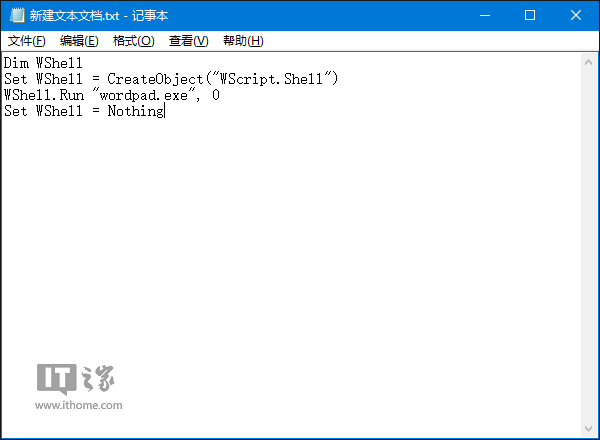
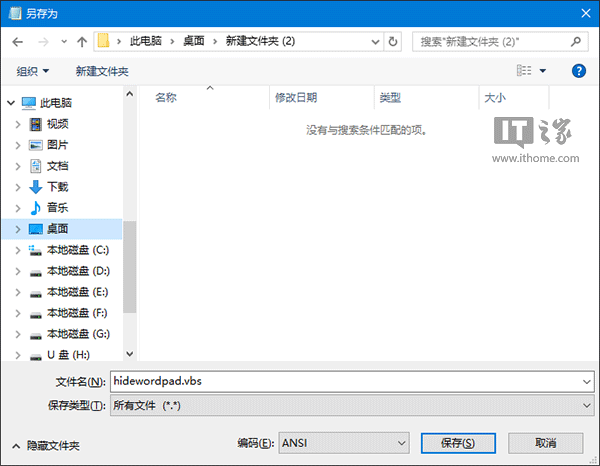
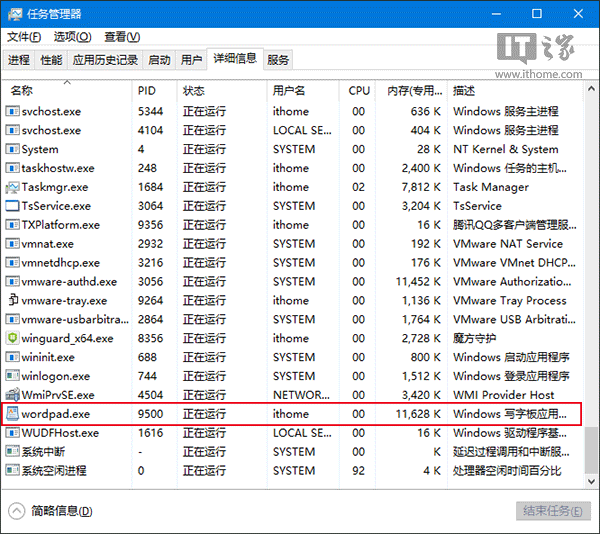
Dim WShell
Set WShell = CreateObject("WScript.Shell")
' 路徑含空白需雙層引號:"""路徑"""
WShell.Run """D:\Program Files (x86)\Ruanmei\PCMaster\cleanmaster.exe""", 0
Set WShell = Nothing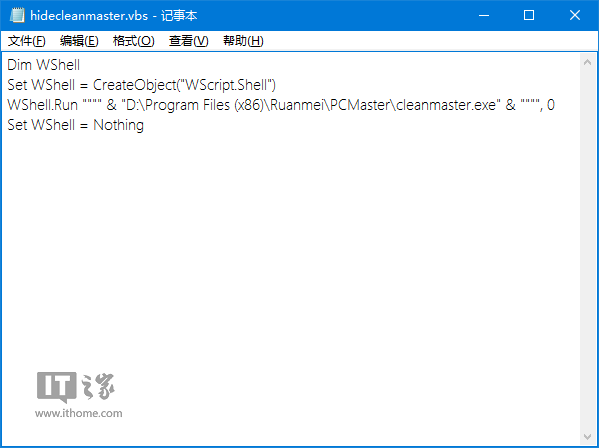
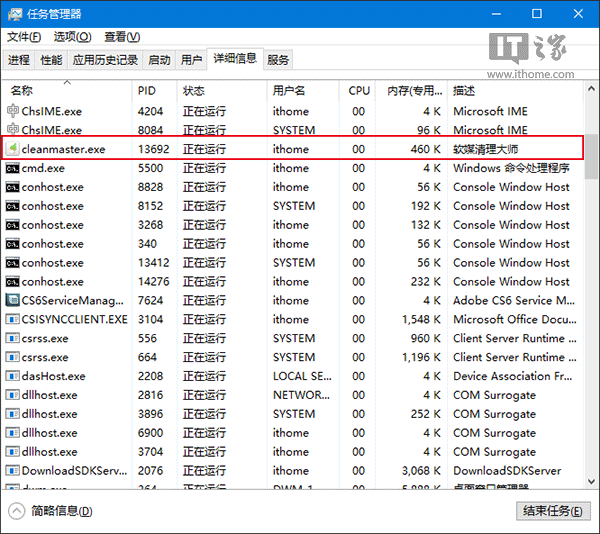
限制:
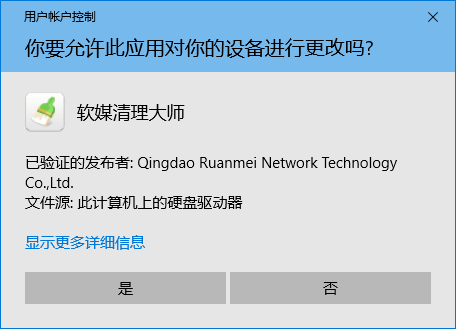
- 需 UAC 提權的程式,權限提示視窗無法隱藏 (點「是」後進程隱形)。
- 僅隱藏視窗,進程仍在工作管理器可見,非真正的 Rootkit 隱藏。
- 批次檔 (
.bat) 同理可用start /b或呼叫 .vbs 包裝。