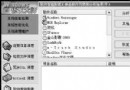
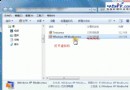
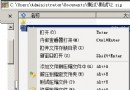
Ghost 2003 安裝簡單(需管理員權限、Windows Installer 2.0、用戶名單位勿用中文),界面延續 Norton 風格。核心功能通過向導完成:
點「Backup」啟動 Backup Wizard → 選源分區/硬盤 → 目標選「File」文件或「Recordable CD/DVD」光盤 → 指定路徑/光燒錄器 → 設置參數執行。
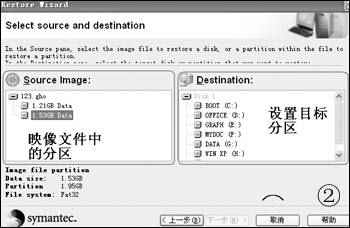
點「Restore」啟動 Restore Wizard → 選 .GHO 映像文件 → 關鍵設置界面(如圖)配置還原參數 → 若還原分區覆蓋 Ghost 自身會提示確認。
點「Norton Ghost Explorer」 → 文件菜單打開映像 → 定位文件/文件夾 → File → Extract → 指定保存路徑 → Extract 提取。
Ghost 2003 雖仍需 DOS 下運行以保安全,但向導化操作與 Explorer 整合大幅提升易用性。