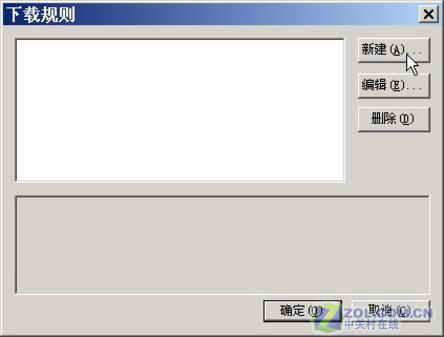
FlashGet 內建「站點資源探索器」 (F7 或工具選單),外觀似資源管理器,樹狀列出網頁所有元素,可選擇性下載。
F7
.swf
.exe
.swf;.exe
解決 Flash 嵌入網頁難以剝離下載的難題,圖文並茂易上手。
微信訂閱號與服務號差異全解析:推送頻率、顯示位置、功能權限詳細對比
微信如何更換綁定 QQ 號?完整圖文操作流程
瀏覽器提示「此網頁包含重新導向循環」怎麼解決?清除 Cookie/允許第三方 Cookie
微信 5.0 安裝失敗解決法(HTC 等機型):先解除舊版清資料,再灌 2.1 版作為跳板升級
新浪微博達人申請條件與步驟圖文指南
微信群發訊息給好友教學:群發助手功能完整操作流程
微信紅包怎麼提現?開通快捷支付綁定儲蓄卡完整圖文教學
MSN Messenger 檔案傳輸安全設定:啟用病毒掃描守護電腦