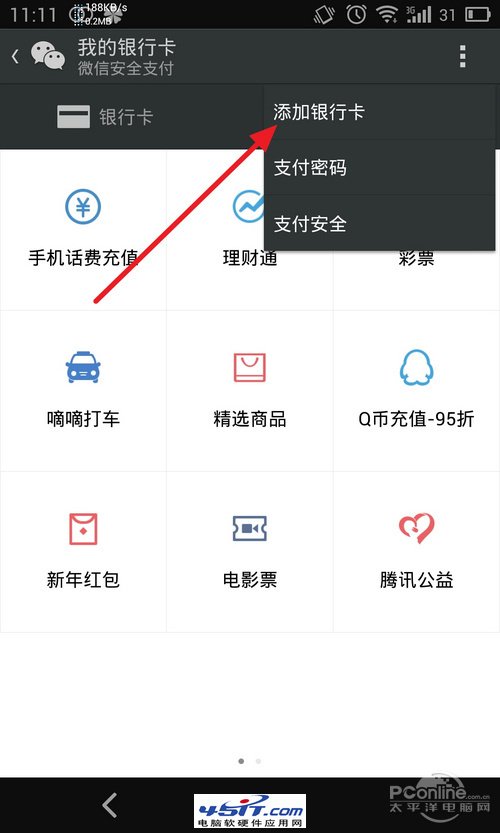
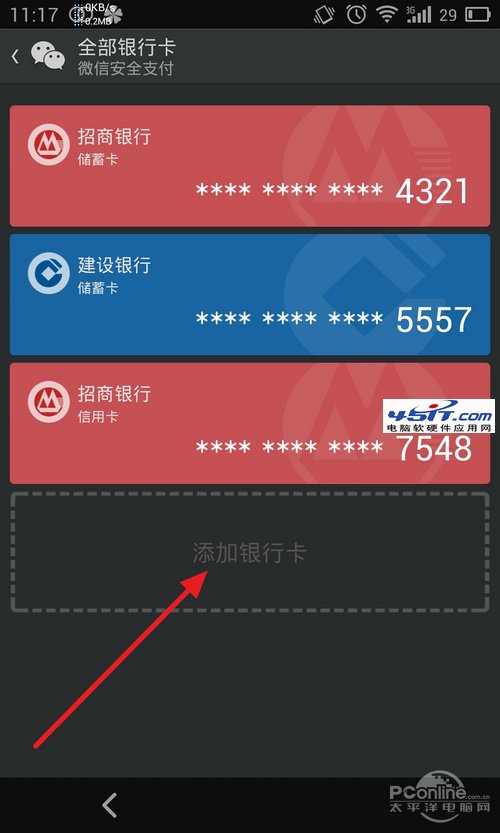
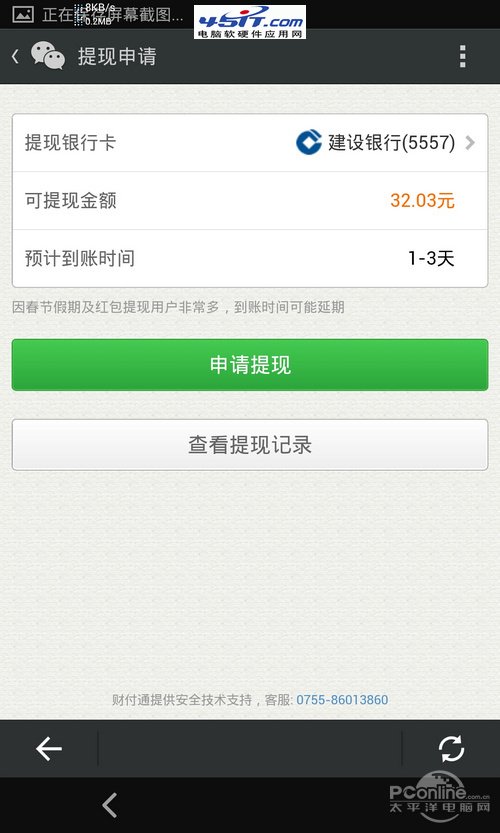
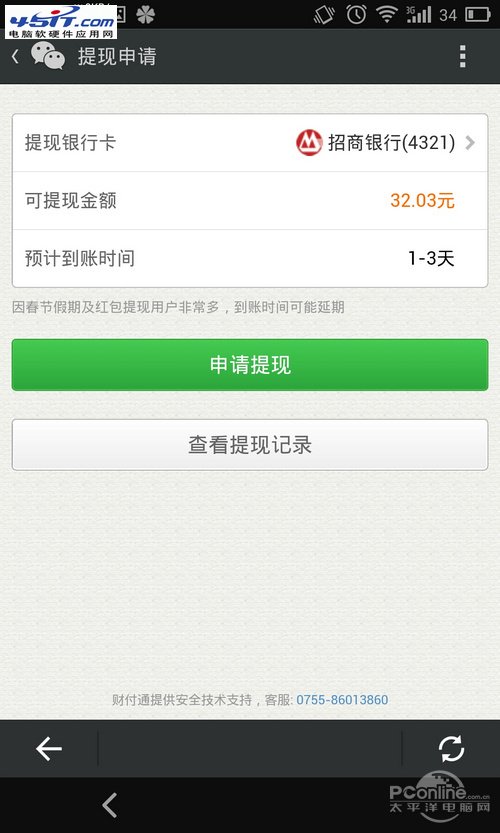
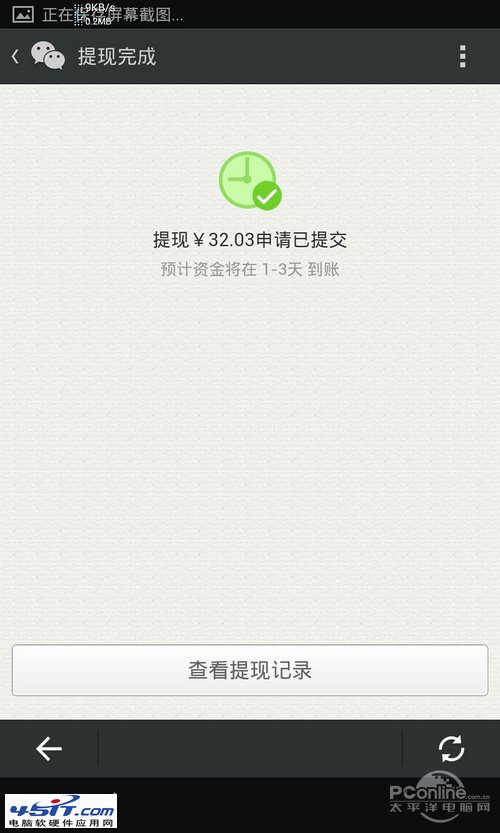
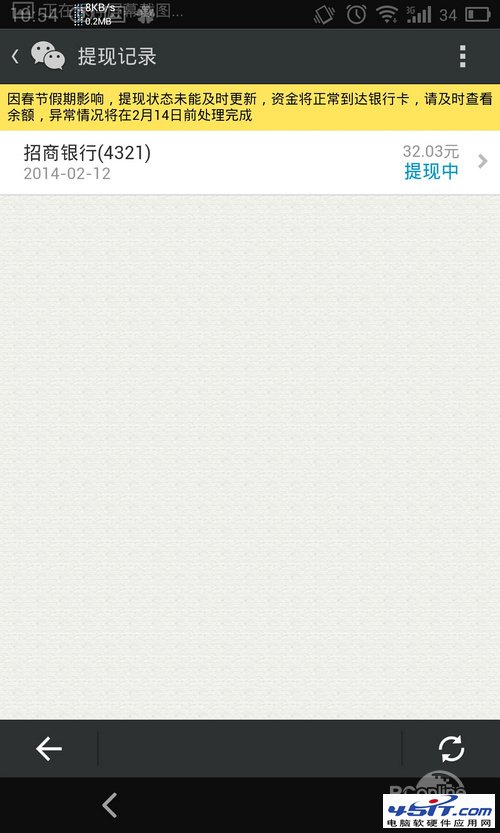
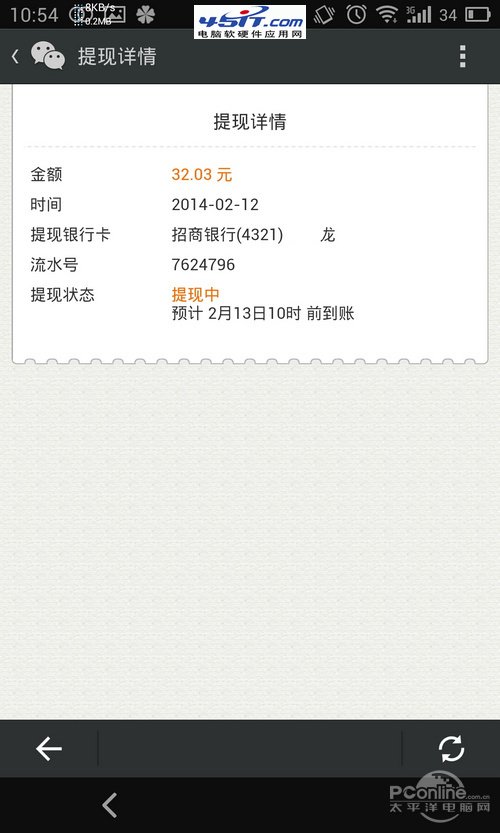
微信紅包僅支援提現至儲蓄卡(不支援信用卡),必須先開通快捷支付:
呼籲:期待紅包直接消費/無卡提現功能上線,避免被迫綁卡門檻。
網頁出現「網頁上有錯誤」提示?完整原因分析與解決教學
妙用 FlashGet「匯入列表」功能:文字清單秒變下載佇列,批量抓取論壇分享連結
IE 刪除網址列歷史記錄三種方法:清除全部、單刪註冊表、永久停用記錄
Firefox 更新失敗「檢查系統中有無其他 firefox 進程」一招解決
防範 IE 被惡意修改:註冊表修復與預防全攻略
如何查看支付寶餘額?最簡單三步驟教學
駕馭 eMule 電騾下載教學:設定、搜尋、下載、共享全攻略
一秒隱藏所有 IE 視窗:上網助手「老闆鍵」Alt+Space