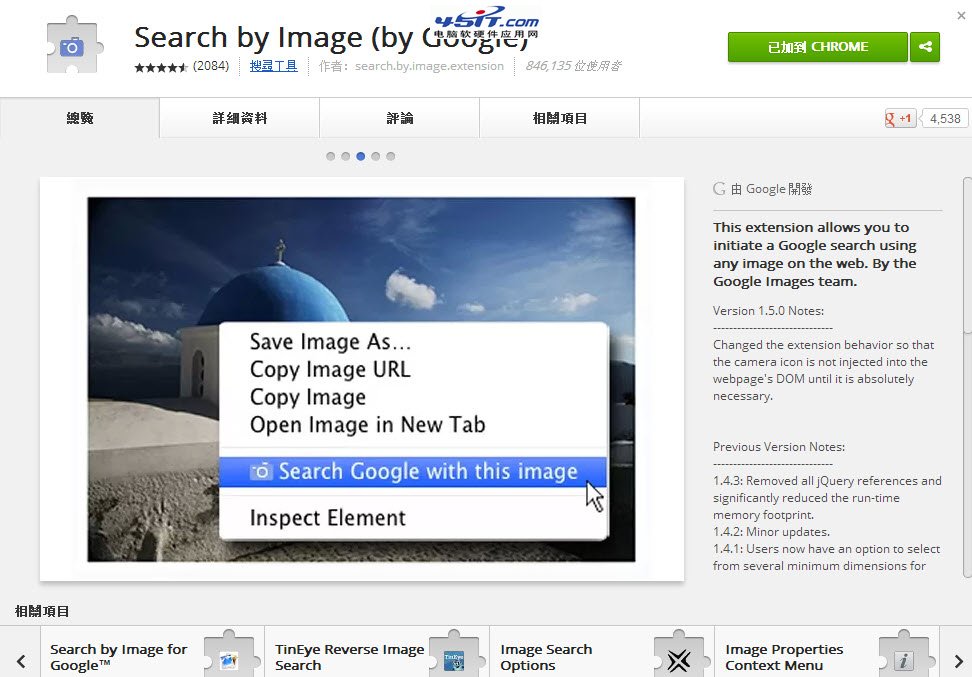
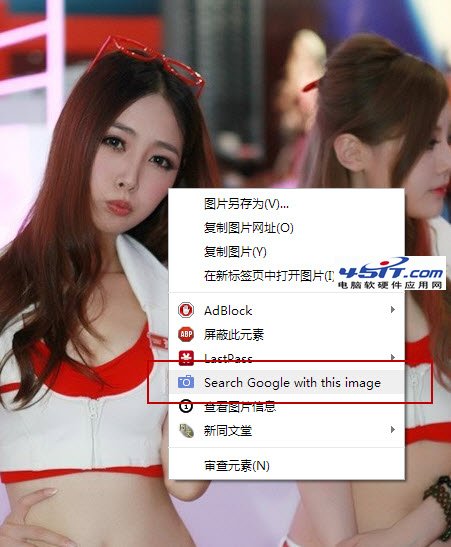
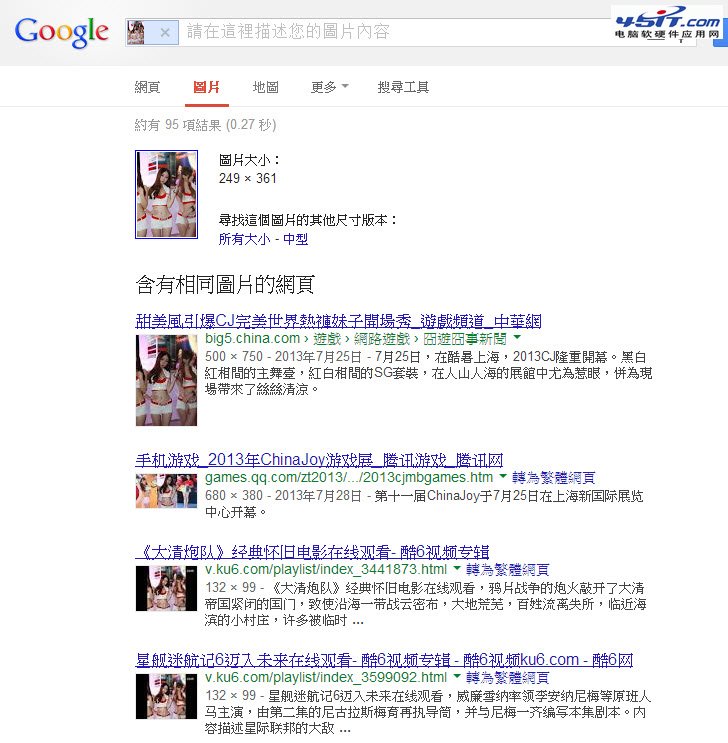
Google「以圖搜圖」可用圖片當關鍵字反搜:
適用於尋找圖片來源、高解析度版本、辨識人物/物品/地點,堪稱「人肉搜尋」神器。
讓 MSN Messenger 超連結用 Maxthon 開啟:註冊表修正法
手機短信/彩信發送新浪微博完整教程:三大運營商通用號碼、圖文步驟、費用說明
Foxmail 6.0 三大實用技巧:預設域名自動補全、快速調整字體大小、批量刪除 RSS 文章
BitTorrent (BT) 完整使用指南:原理、操作與下載技巧
Firefox about:config 進階參數調教六則:Pipelining 多線程、禁用 IPv6、介面回應優化
Outlook 撤回/取代已寄出郵件完整教學:條件與操作步驟
移動阿里旺旺收費標準詳解:綁定免費、發短信0.1元/條、無月租
迅雷被封鎖/限速?Chrome + IDM 組合拳繞過 P2P 封鎖,跑滿頻寬