Windows XP Windows 7 Windows 2003 Windows Vista Windows 綜合教學 Linux 系統教學
Windows 10 Windows 8 Windows 2008 Windows NT Windows Server 電腦軟體教學
您现在的位置: Windows教程網 >> Windows教程 >  >> 電腦軟體教學 >> 網路工具

IE11 安裝失敗怎麼辦?先修復 Windows Update 再安裝成功率大增

編輯:網路工具

安裝 IE11 失敗多因 Windows Update 元件缺失。建議流程:

  1. 先執行 Windows Update,安裝所有可用更新(含 IE11 所需組件),再安裝 IE11 成功率極高。
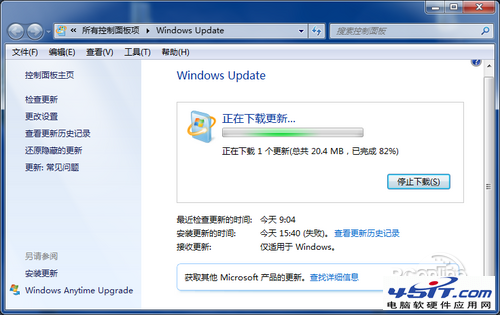
    Windows Update修復
  2. 至 Microsoft 官網下載對應版本(僅支援 Win7 SP1 以上)。
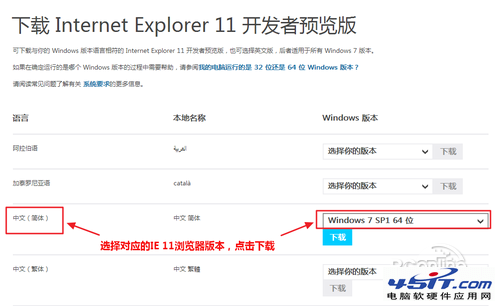
    選擇版本下載
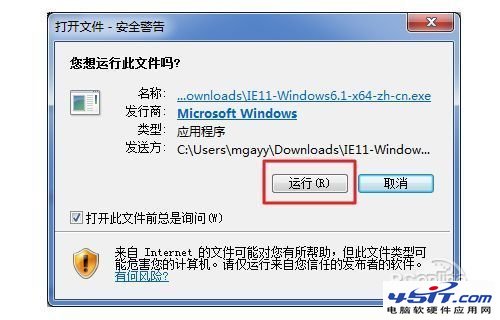
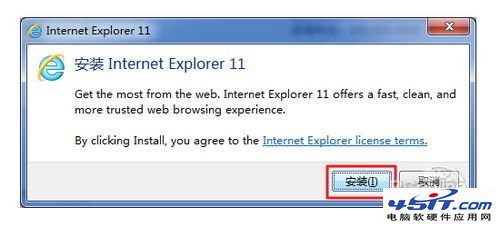
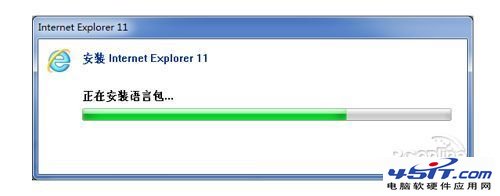
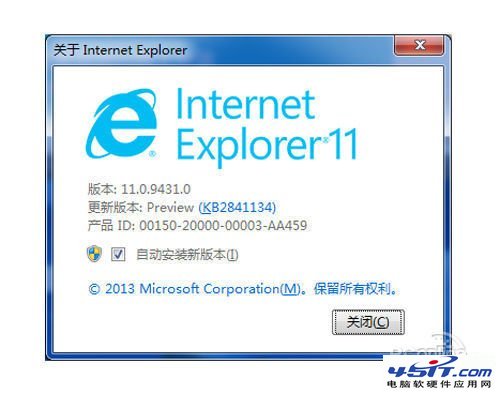
  3. 執行安裝程式,過程自動化,完成後重開機生效。
    安裝進行中
    安裝進行中2
    安裝進行中3
    安裝成功

移除 IE11 還原舊版

  1. 「開始」→ 搜尋「程式和功能」→ 「檢視已安裝的更新」。
  2. 「Microsoft Windows」區找到 IE11 → 右鍵「解除安裝」→ 確認 → 立即重新啟動。

先修補系統更新是關鍵關鍵關鍵。

Copyright © Windows教程網 All Rights Reserved