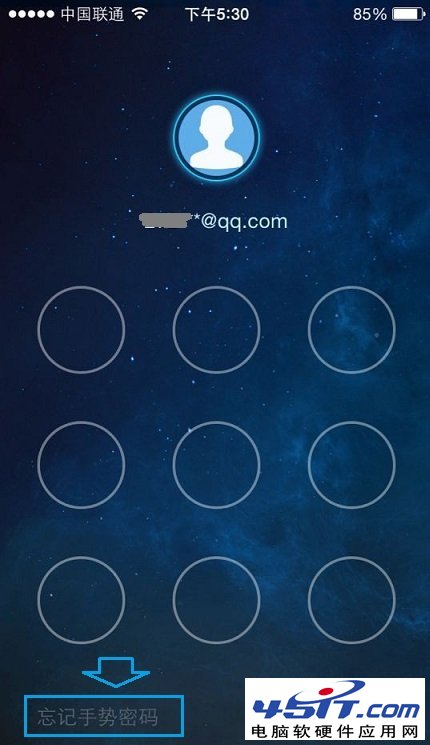
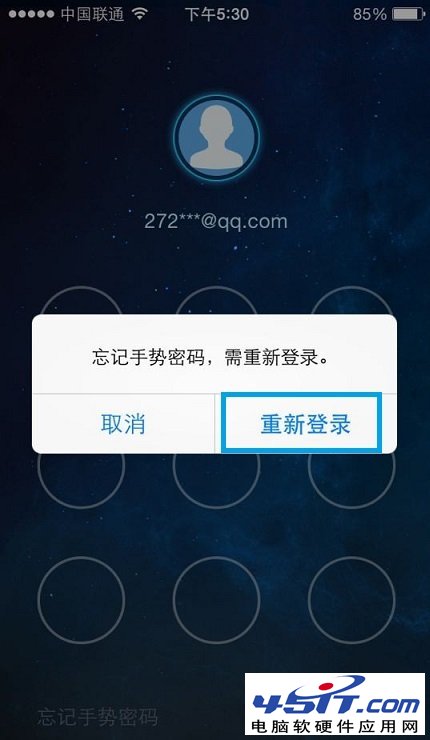
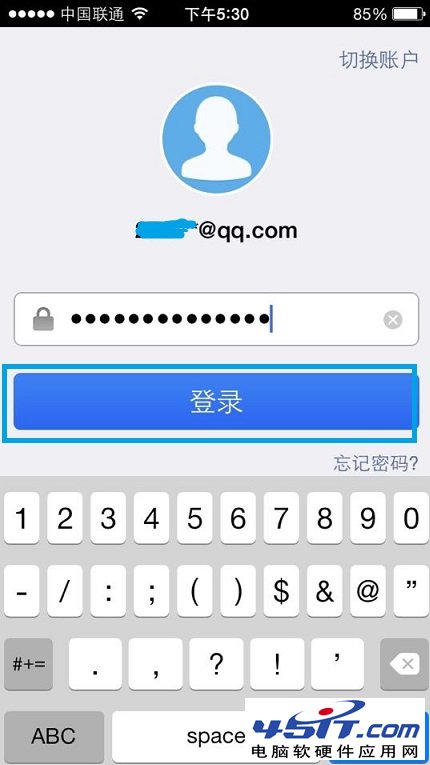
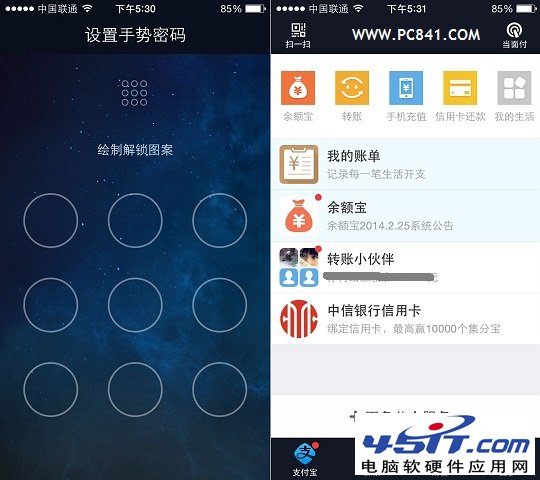
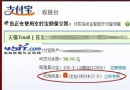
支付寶錢包忘記手勢密碼,無需找回原密碼,直接重置:
全程不需驗證碼/人臉,僅需記得登入密碼即可自助重置,極其便捷。
MSN 登入後無回應的三種解決方法
BitComet 六大實用技巧:隱藏視窗、下載完關機、防待機、改下載目錄、限速、批量下載
破解電信星空極速強制撥號:三分鐘找出真實帳號(~G/~7 前綴)
微信如何批量刪除聊天訊息?長按選「更多」多選刪除
迅雷小技巧:設定「任務完成」為「開啟目錄」,下載完自動彈出資料夾
「糟糕!此鏈接好像已損壞」三大原因與四步解決方案
微信歡樂鬥地主刷歡樂豆?官方獲取途徑與無限刷豆偽教學揭秘
Chrome 瀏覽器如何關閉右上角新頭像選單?Flags 設定一鍵停用