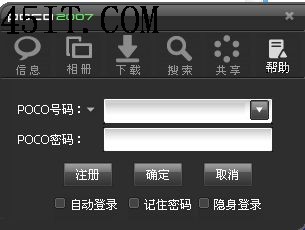
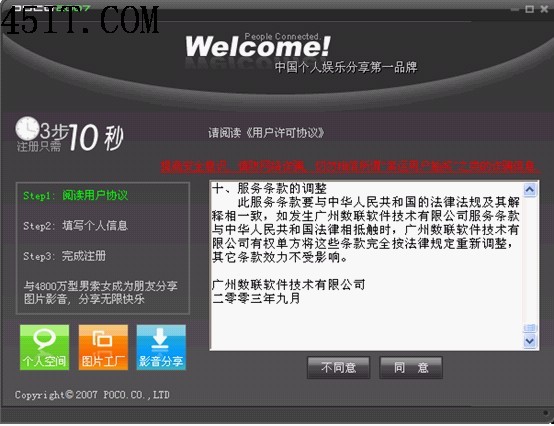
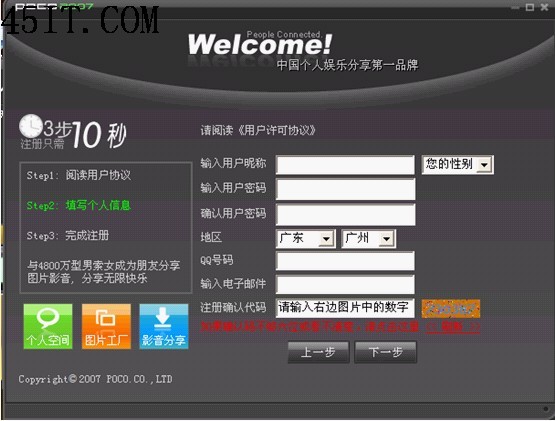
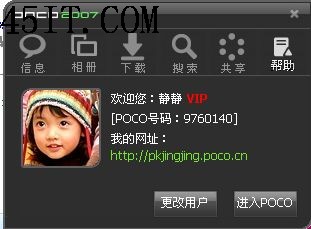
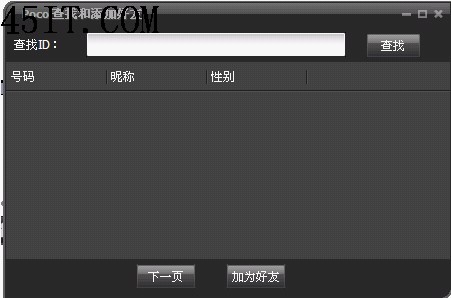
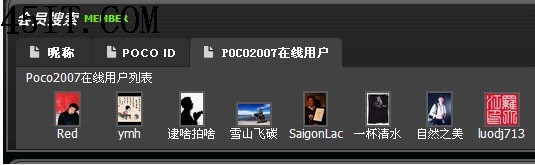
POCO 2007版本的註冊、登入、加好友操作流程截圖教學:
文中包含大量介面截圖(如註冊框、登入框、好友列表等),適用於該版本用戶參考。
音頻指紋匹配歌詞:原理與優勢詳解
Win7 下 Illustrator CS4 啟動緩慢完整排查:配置、檔案、偏好設定、系統、硬體五維度
狸窩全能視訊轉換器使用教學:批次轉檔、剪輯、參數調校、多裝置預設一站式
MOV 轉 MPG 完整教學:狸窩全能視頻轉換器圖文詳解
光影魔術手基本操作入門:安裝、開啟、單張照片後製流程
ID3v1 vs ID3v2 完整解析:MP3 標籤結構、差異與編輯實務
Ogg 容器格式全解析:開源免費、Vorbis 編碼、優於 MP3 的音頻新選擇
All Media Fixer一鍵修復損壞多媒體文件教學