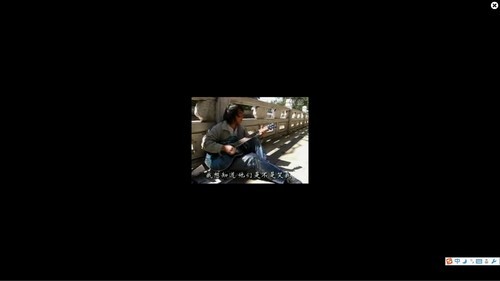
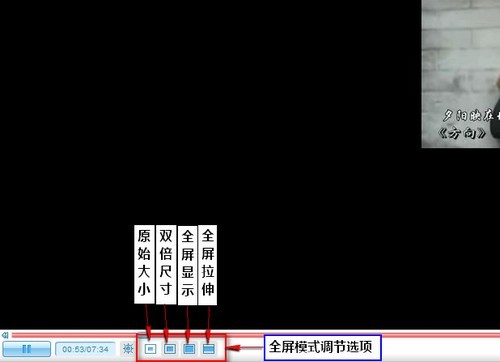
優酷在線視頻無法正常全螢幕播放,解決方法極簡單:
若仍無效,請檢查瀏覽器Flash Player版本或嘗試切換瀏覽器。
JPG 圖片匯入 AutoCAD 三大方法:影像參考、OLE 物件與向量化轉檔
iTunes 安裝失敗?刪除舊版殘留資料夾 C:\Program Files\iTunes 即可解決
暴風影音無法播放 RMVB?缺 Real 解碼器,三步補齊或換播放器
PNG/GIF/JPEG 三大圖片格式深度對比:透明度、動畫、壓縮、色彩、適用場景全解析
百度文庫文字免費複製技巧:網址加「wap」前綴直達純文字版
AutoCAD 文件修復與防護:RECOVER/INSERT 命令 + 自動保存機制
優酷網頁播放器無法全螢幕?一鍵開啟全螢幕模式
AutoCAD 2007 坐標系建立圖文教程:UCS 命令精確定位