方法一:介面設定法(官方正規管道)
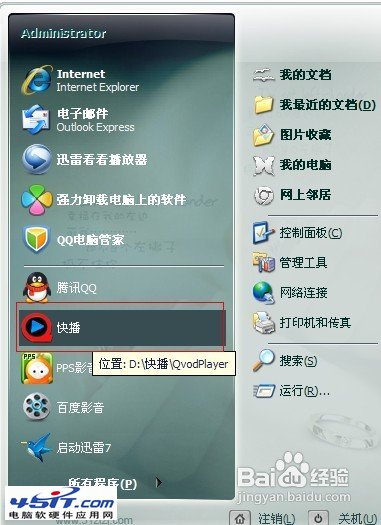
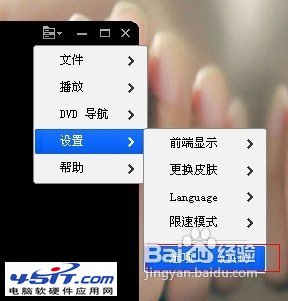
- 開啟快播,點擊右上角「主選單」→「設定」。
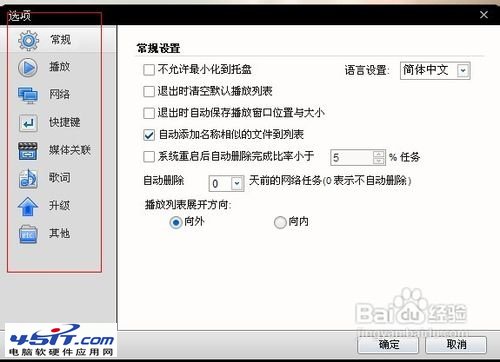
- 右側選最後一欄選項按鈕。
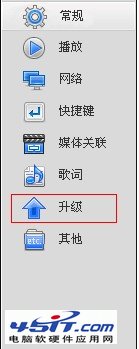
- 左側導航欄點選「升級」。
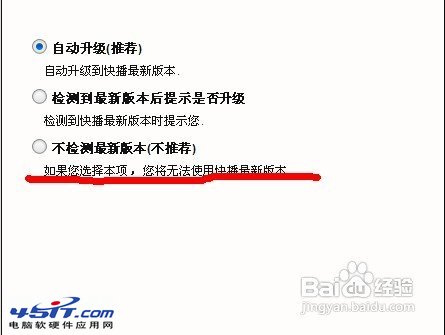
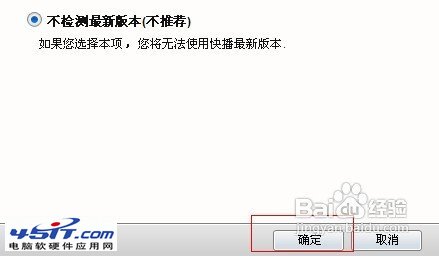
- 勾選「不檢測最新版本」,確定。
方法二:手動阻擋法(針對無效情況)
參考:手動解決方案詳情
補充:Playlist 資料夾權限鎖定法(適用 5.1+ 版本)
- 尋找
Playlist 資料夾(預設 C:\ProgramData\QvodPlayer\Playlist)。
- 清空資料夾內容(保留資料夾本身)。
- 右鍵屬性 → 安全 → Everyone → 權限設為「完全拒絕」。
- 驗證:點擊資料夹提示「拒絕存取」即成功,可繼續使用 5.1 版無需降級。
注意:若無「安全」頁籤,請確認磁碟為 NTFS 格式,並關閉「使用簡單檔案共享」(資料夾選項 → 檢視)。