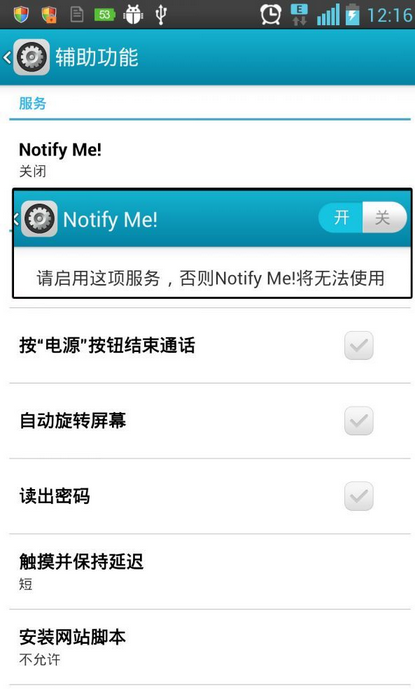
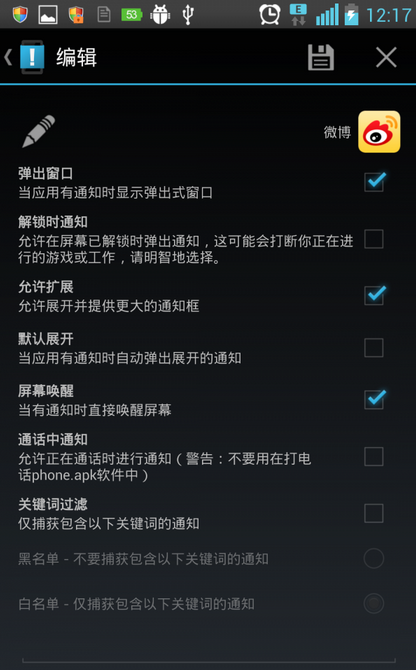
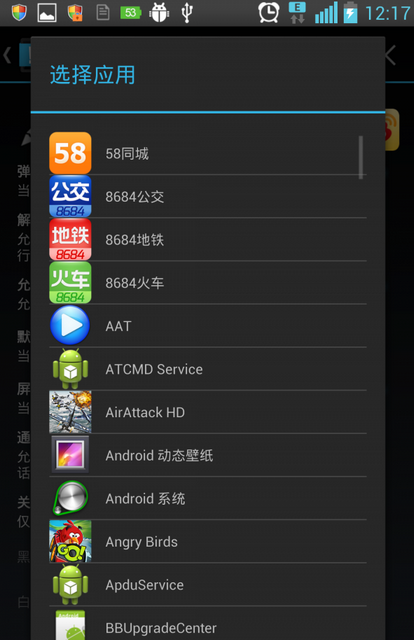
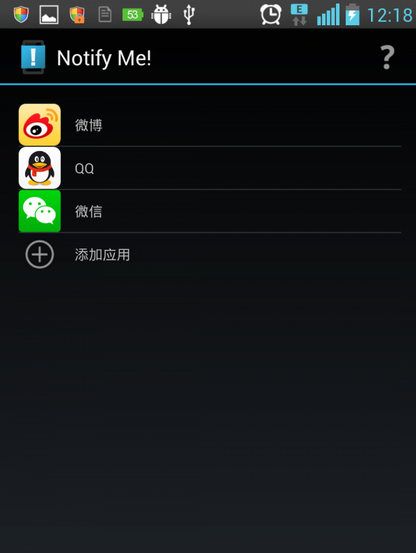
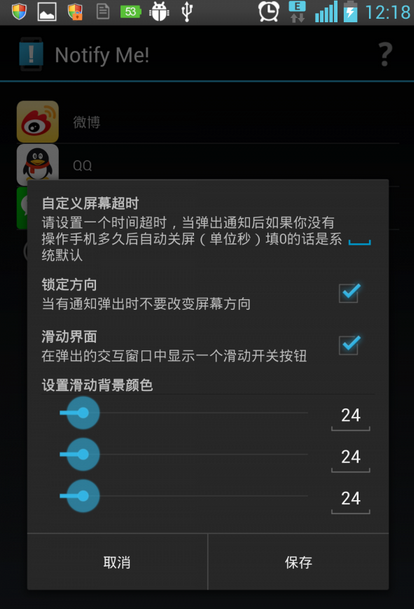
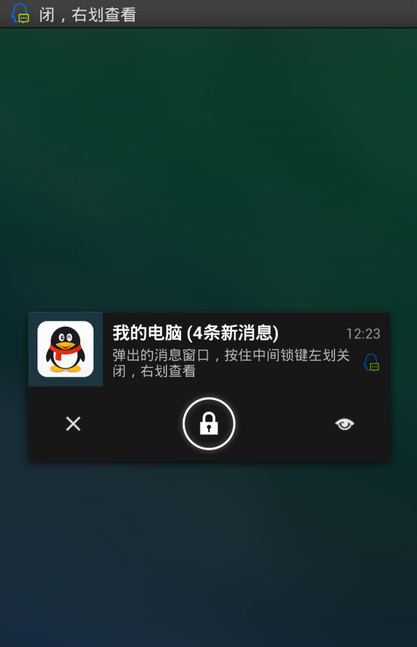
第三方 App 缺乏彈窗提醒易錯過重要訊息。安裝「Notify Me」(下載) → 系統設定 → 輔助功能 → 開啟 Notify Me → App 內新增欲提醒 App → 設定自動喚醒螢幕、彈窗位置/風格,即時不漏訊。
彈窗可能洩露隱私,需自行取捨。對長輩、聽障/殘障用戶極具實用價值。
DNF 職業聯賽觀戰領豪禮:11.6-11.7 晚 8-9 點看比賽拿裝扮,QQ 瀏覽器加碼
160WiFi 遠程桌面:手機秒變平板觸控電腦,啟用教程
迅雷會員帳號共享器使用教學:免費獲取 VIP 加速與預覽功能
IE 瀏覽器手動修復完整教學:重置與還原高級設定雙管齊下
打造極速解壓環境:修改臨時目錄到同分區、虛擬光碟掛載壓縮包直接讀取
快捷方式也能「自動追蹤」:Universal Shortcutter 讓目標移動重命名不再失效
LOL新英雄千珏(Kindred)全技能解析:屬性、被動、Q/W/E/R技能詳解與影火皮膚展示
筆電螢幕出現細白線怎麼辦?進 BIOS 觀察、排查排線/面板/主板/顯晶片虛焊