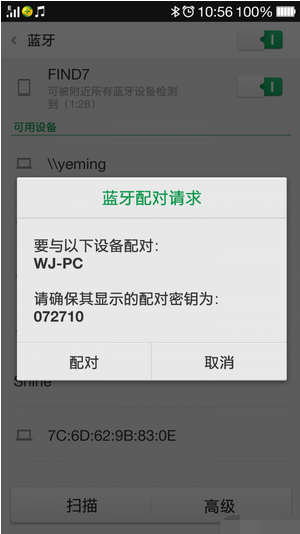
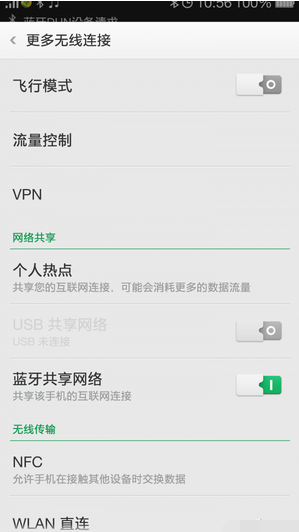
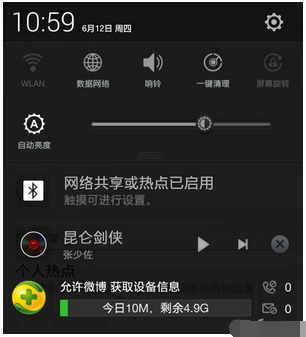
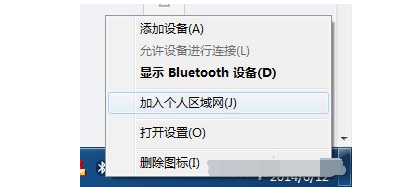
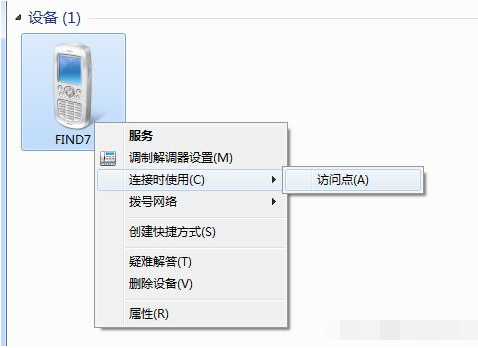
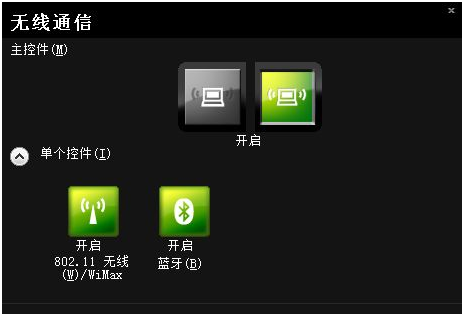
外出時讓筆電上網,除開 Wi-Fi 熱點,藍牙同樣可分享手機 2G/3G/4G 網路,且發熱量、耗電量較小,適合長時間分享。
提示:台式機需藍牙接收器;部份筆電需 Fn+功能鍵 開啟藍牙(如聯想 Fn+F5)。
藍牙不只連耳機,更是穩定省電的網路分享利器。
我的世界「小殭屍」應對攻略:利用身高缺陷邊打邊退/高地狙擊/挖坑埋葬三大戰術
WiFi 共享精靈打不開/啟動失敗三大解法:ICS 共享、防火牆、驅動重裝
支付寶螞蟻森林能量獲取全攻略:低碳行為、偷能量、更新時間一次看懂
Windows 隱藏神技 12 招:空白文件夾、刪除頑固文件、快捷方式去箭頭...
Excel 將一列數據轉為一行教程:選擇性貼上「轉置」功能秒完成
LOL美測試服8.25更新:諾手大幅加強、蓋倫/蠍子雙雙削弱、德萊文/菲茲/迦娜/拉克絲/辛德拉微調
俠客風雲傳寶藏島山洞寶箱打不開?其實只是劇情觸發點,裡面只有 2000 銅錢
LOL 千珏免費皮膚獲取攻略:微信投票贏「黯焰雙魂 千珏」非期限皮膚