Gmail 無法訪問?修改 Hosts 檔綁定 Google 伺服器真實 IP 即可繞過封鎖。適用 Windows / Android / Mac。
C:\WINDOWS\system32\drivers\etc\hosts/system/etc/hosts(需 Root)/etc/hosts64.233.167.165 為例):64.233.167.165 ajax.googleapis.com
64.233.167.165 fonts.googleapis.com
64.233.167.165 www.google.com
64.233.167.165 www.google.com.hk
64.233.167.165 accounts.google.com
64.233.167.165 plus.google.com
64.233.167.165 mail.google.com
64.233.167.165 chatenabled.mail.google.com
64.233.167.165 maps.google.com
64.233.167.165 apis.google.com
64.233.167.165 play.google.com
64.233.167.165 clients5.google.com
64.233.167.165 clients2.google.com
64.233.167.165 clients1.google.com
64.233.167.165 clients3.google.com
64.233.167.165 clients4.google.com
64.233.167.165 oauth.googleusercontent.com
64.233.167.165 ssl.gstatic.com
64.233.167.165 www.gstatic.com
mail.google.com 即可正常使用 Gmail 所有功能。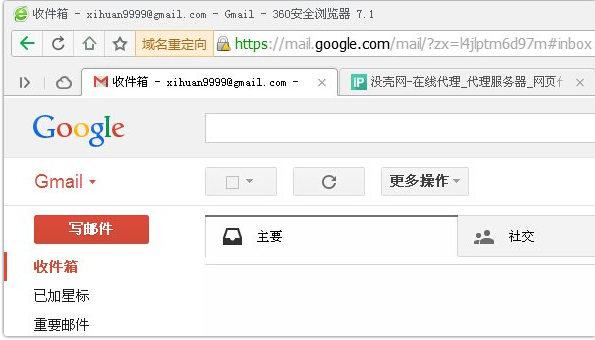
注意:IP 可能失效,需定期更新。亦可使用專用 Hosts 維護工具自動同步最新列表。