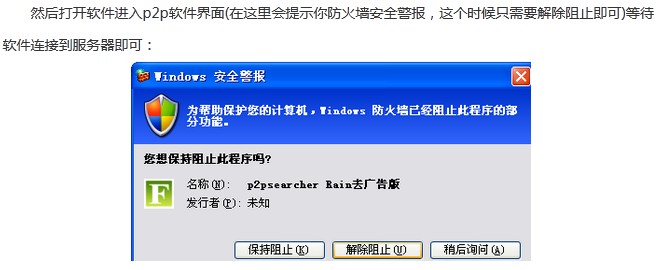
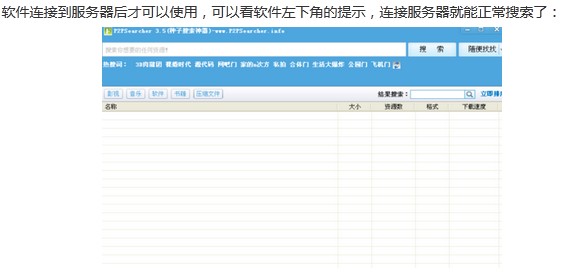
P2PSearcher 基於 P2P 搜尋 ED2K 資源,操作簡單:
冷門資源搜尋利器,配合下載工具高效獲取。
UltraISO(軟碟通)完整圖文教學:ISO編輯、啟動盤製作與光碟燒錄全攻略
《喪屍圍城1》二周目通關心得:等級壓制、關鍵案件速通、Overtime 模式全流程、BOSS 速殺技巧、武士刀/獵刀刷級心得
我的世界快速種小麥三要素:光照 + 濕潤耕地 + 空間 = 極速成熟
愛奇藝看片太卡?清緩存、停下載、回報 IP 死角三招加速
迅雷下載速度慢/為零?四步排查:資源失效/安全軟體攔截/路由器/重裝
隨身 WiFi 熱點開不了?驅動人生雙法修復無線網卡驅動
Mac 螢幕截圖快捷鍵大全:全螢幕、區域、視窗、剪貼板、進階參數修改
美圖妝容秀給照片化妝教學:五官精調、美膚、濾鏡一站式美顏