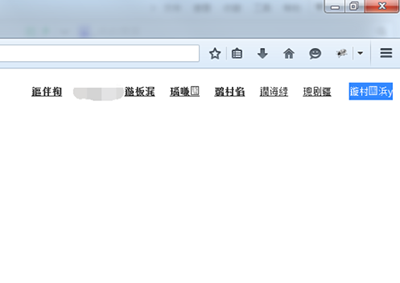
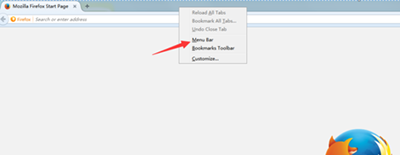
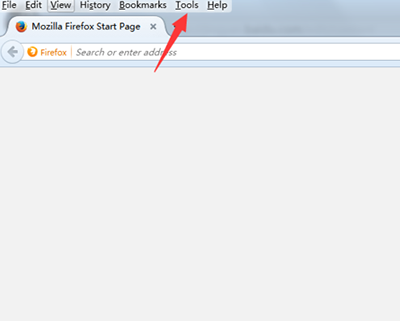
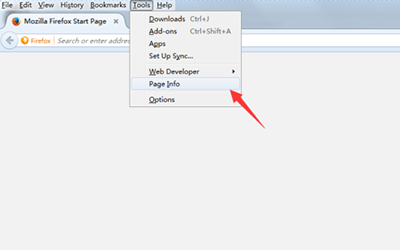
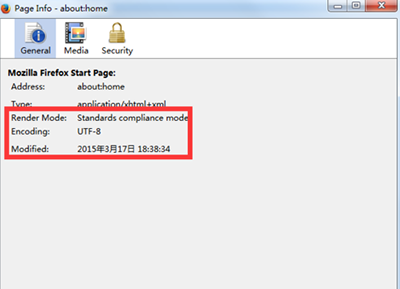
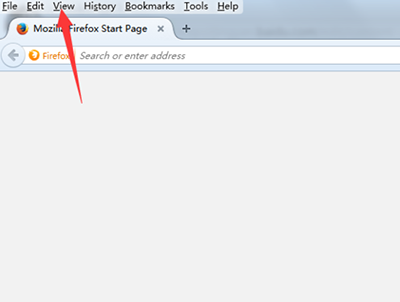
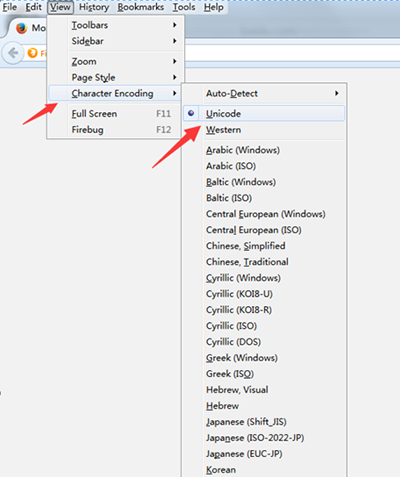
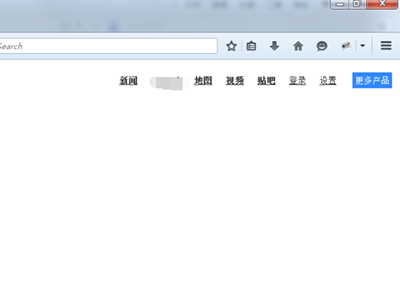
Firefox 網頁中文顯示亂碼?多為編碼非 UTF-8。六步修正:右鍵工具列啟用選單列 → 「工具」→「頁面資訊」→「一般」查看編碼 → 「檢視」→「字元編碼」選 Unicode/UTF-8 → 重新整理即正常。
編碼歸位,中文完美顯示!
迅雷 XV 格式最快轉 MP4 教學:XV 轉換器 + 迅雷看看截取法
Excel 2013 VLOOKUP 函數完整教學:跨表查找引用資料
LOL S5賽季勝利女神皮膚大猜想:輪子媽希維爾、皎月雙雄爭霸
支付寶 8.5 版支援 6 城公交卡 NFC 線上充值:青島、廈門、南昌、寧波、紹興、嘉興首發
PowerPoint 製作專屬寫真集:封面、目錄、內頁、結尾四步走
軟體無法正常解除安裝?控制台「程式和功能」強制移除頑固程式
靠譜助手模擬器設置全攻略:分辨率/內存/共享文件夾/重啟生效、優化性能開啟功能
讓手機在 4G 訊號區持續保持高速連線不掉落