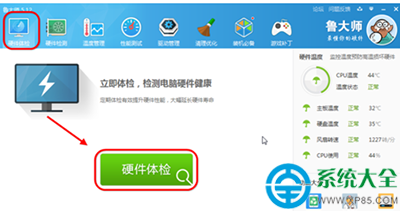
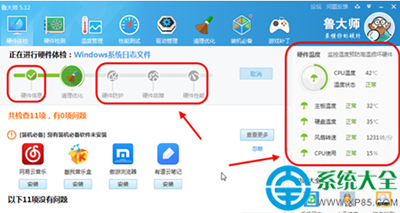
魯大師硬體體檢功能快速掌握電腦配置:
無需拆機,軟體級檢測滿足升級、維修、評估需求。
360 安全瀏覽器崩潰四大解決技巧
天天看播放器卡頓無法下載?三招解決緩存磁碟滿、路徑錯誤
DNF 男柔道二覺站街特效首曝:帥氣度爆表,細節滿滿!
MySQL 解壓縮版(ZIP)安裝配置圖解教程:環境變數與 my.ini 設定
旺寶神器刷淘寶手機流量任務教學:發布任務、關鍵詞設定、VIP 分配模式 (曲線/分批/直接) 完整操作
電腦開機失敗英文錯誤訊息完整對照表與修復指南
WPS 文字行間距設定教程:右鍵段落→間距→精確/倍數/最小值三種模式詳解
Win10 內測用戶突破 700 萬:Insider 計劃高速增長,移動端預覽成新焦點