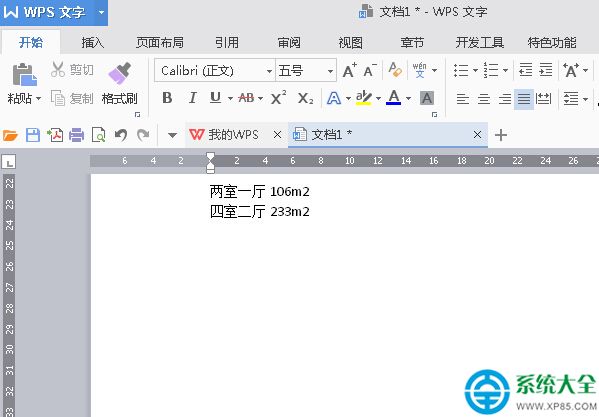
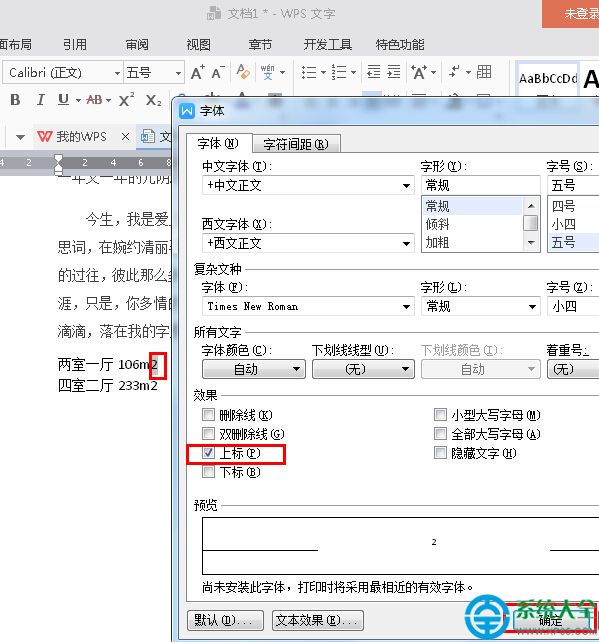
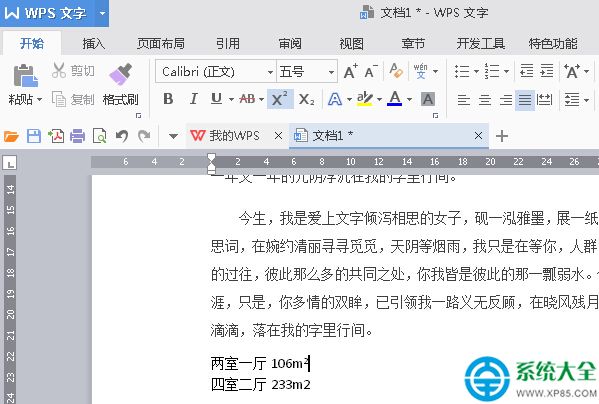
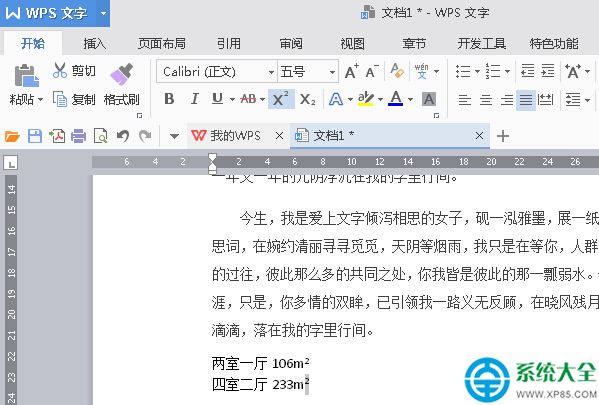
WPS 2016 中輸入 m² 符號有兩種簡單方式:
選中「2」 → 同時按下 Ctrl + Shift + +(加號鍵),即轉為上標。
兩種方法任選其一,快速輸入專業數學單位符號。
迅雷下載速度慢/為零?四步排查:資源失效/安全軟體攔截/路由器/重裝
Word 自製八卦格書法字帖:表格建立、正方形儲存格、虛線十字、八邊形繪製全流程
酷派 7295C 手機換螢幕完整拆解圖文教程
WiFi 廣告路由器實操:綁定節點→雲平台配置→微信認證頁面→成功頁引流,餐飲店實測吸粉效果顯著
微信紅包沒領完去哪查?「我的紅包」頁面一鍵掌握
QSED 種子轉 BT 種子教程:利用快播緩存提取種子檔
Excel 進階操作彙總:選取、複製、篩選、條件格式等 6 大核心技巧
網頁剪藏五大法:MHT 完整存檔、區域截圖、長頁整頁存圖、雲盤快存、雲筆記剪藏,場景全覆蓋