Chromium 使用 PepperFlash (PPAPI) 播放 Flash 內容,Ubuntu 軟體中心提供 pepperflashplugin-nonfree 套件自動從 Google Chrome 提取並安裝。
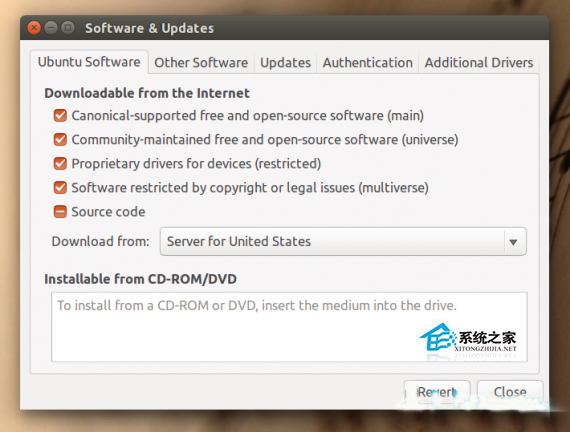
「軟體與更新」→「Ubuntu 軟體」頁籤 → 勾選 「受版權或法律限制的軟體 (multiverse)」 → 關閉並重新整理。
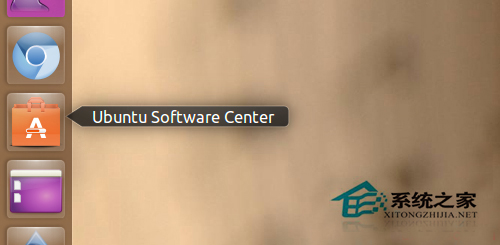
在軟體中心搜尋「Pepper Flash」安裝,或終端執行:
sudo apt-get update
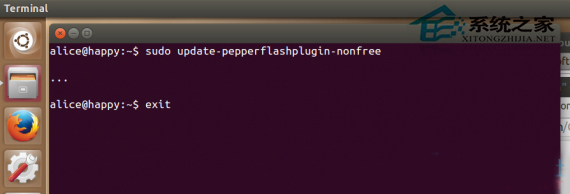
sudo apt-get install pepperflashplugin-nonfreesudo update-pepperflashplugin-nonfree --install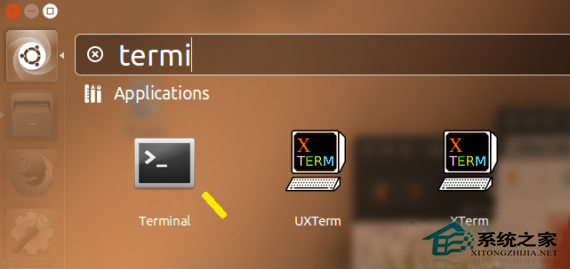
訪問 chrome://plugins 或 chrome://components 確認 Pepper Flash 版本非 0.0.0.0,即可播放 Flash 影片。
現況提醒: Adobe 已於 2020 年底停止支援 Flash,主流網站已全面遷移至 HTML5。現代 Chrome/Chromium 預設封鎖 Flash,僅極少數舊系統仍需此設定。建議直接使用 HTML5 播放器。