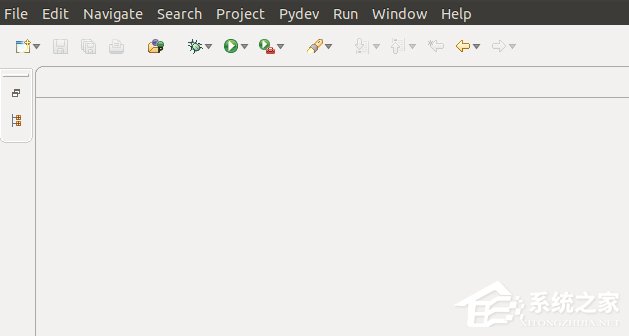
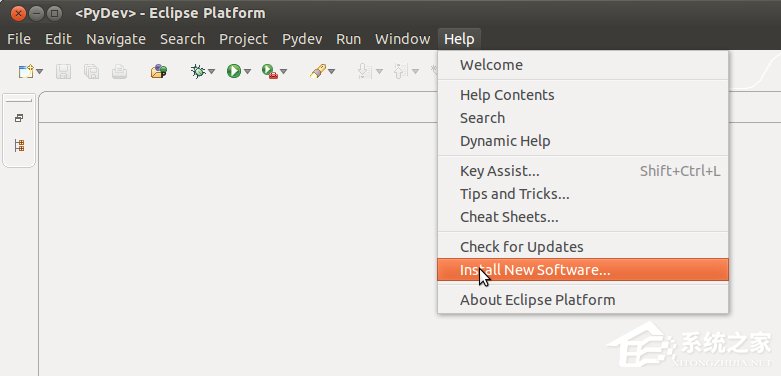
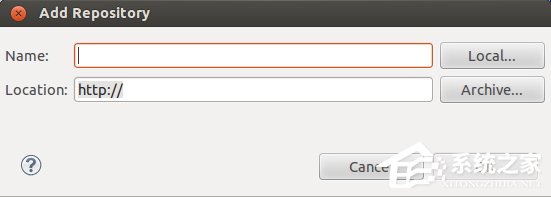
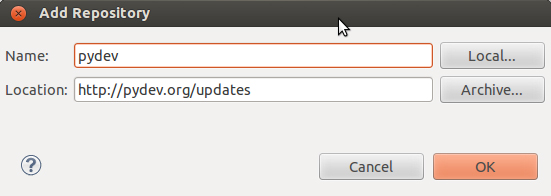
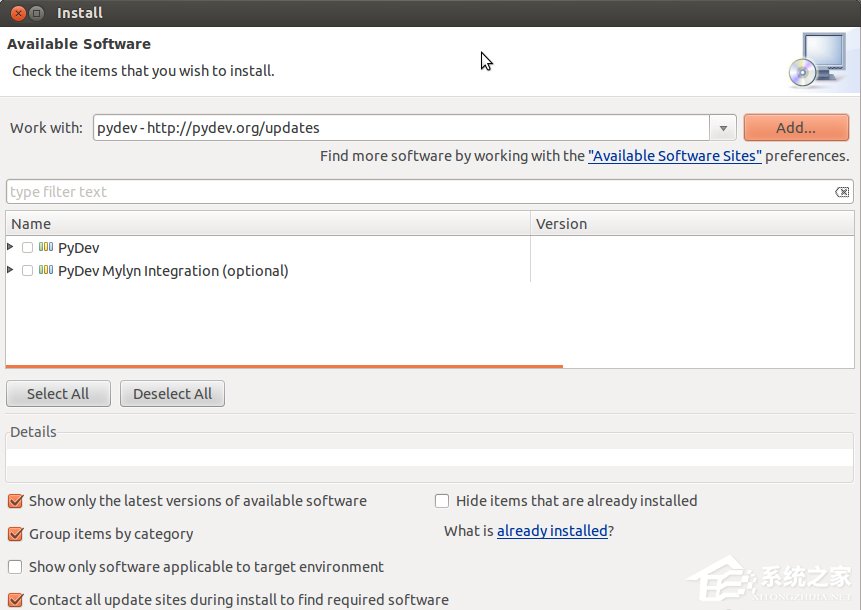
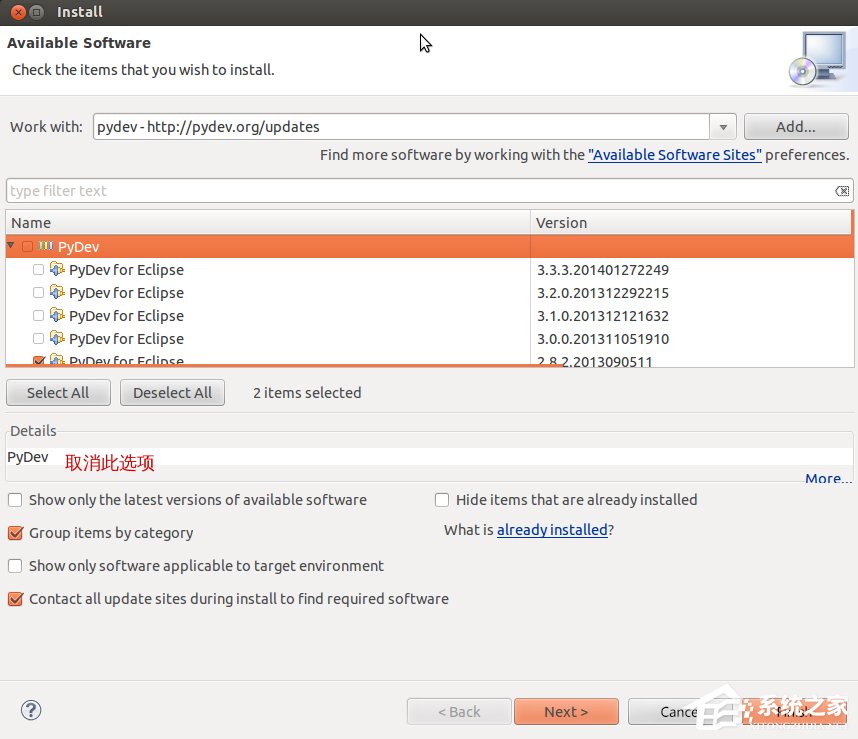
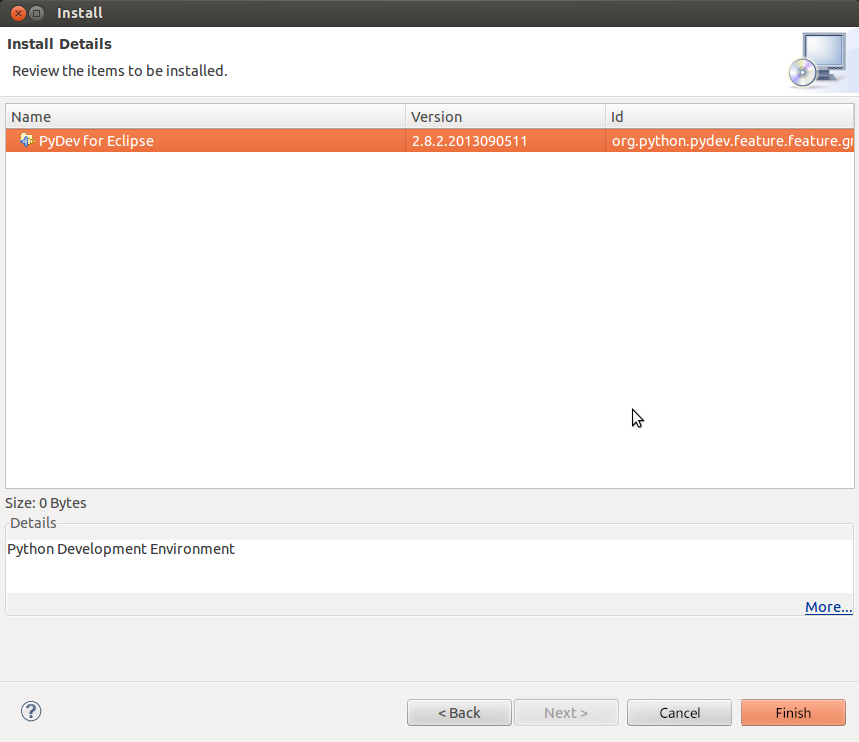
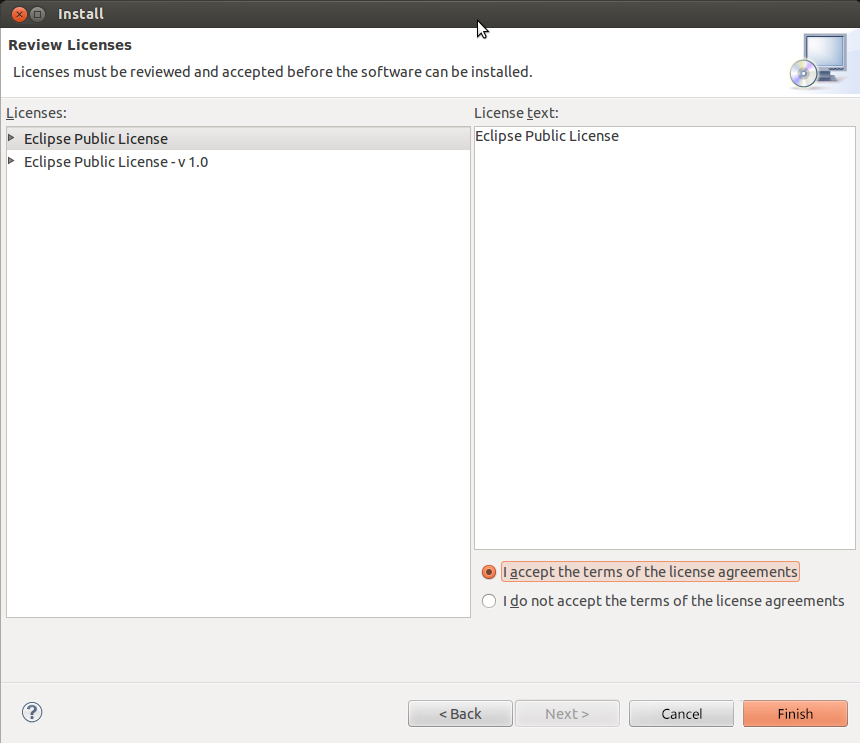
Eclipse 是基於 Java 的可擴充整合開發環境 (IDE)。本文示範在 Ubuntu 14.04 上透過套件管理器安裝 Eclipse,並透過更新站點安裝 PyDev Python 開發擴充套件。
sudo apt-get install eclipse
https://pydev.org/updates
提示: 若需最新 Eclipse 版本,建議從官網下載壓縮包手動部署,再安裝最新 PyDev,避免版本相容性問題。
Linux free 命令詳解:掌握記憶體監控核心技巧
Linux 系統安全管理五大關鍵設定:從引導程序到密碼複雜度
Linux cp 指令完整教學:檔案/目錄複製、屬性保留、備份控制、稀疏檔處理、跨檔案系統複製實戰
Ubuntu 安裝 Visual Studio Code 完整指南:Ubuntu Make 命令列安裝、官方 .deb 套件與 Flatpak/Snap 多種方式比較
Linux 忘記 root 密碼?進入單用戶模式重設密碼完整步驟
Linux 命令列配置 IPMI 完整指南:ipmitool 設定 IP、網閘、查看狀態
Linux 桌面環境七大發展趨勢:選擇多元、設計優先、回歸經典
Linux Lynis 系統安全稽核工具完整使用指南